

If you are considering a Cat7 Ethernet Cable, the real question is not whether it is fast—it is whether your network can actually benefit from it. Cat7 offers strong shielding and high theoretical performance, but Cat6a often delivers the same practical 10Gbps result with broader compatibility. For homes, offices, gaming setups, and infrastructure upgrades, the right choice depends on distance, devices, installation environment, and budget.
What is Cat7 Ethernet Cable,cat7 vs cat6a, cat7 speed, is cat7 worth it?
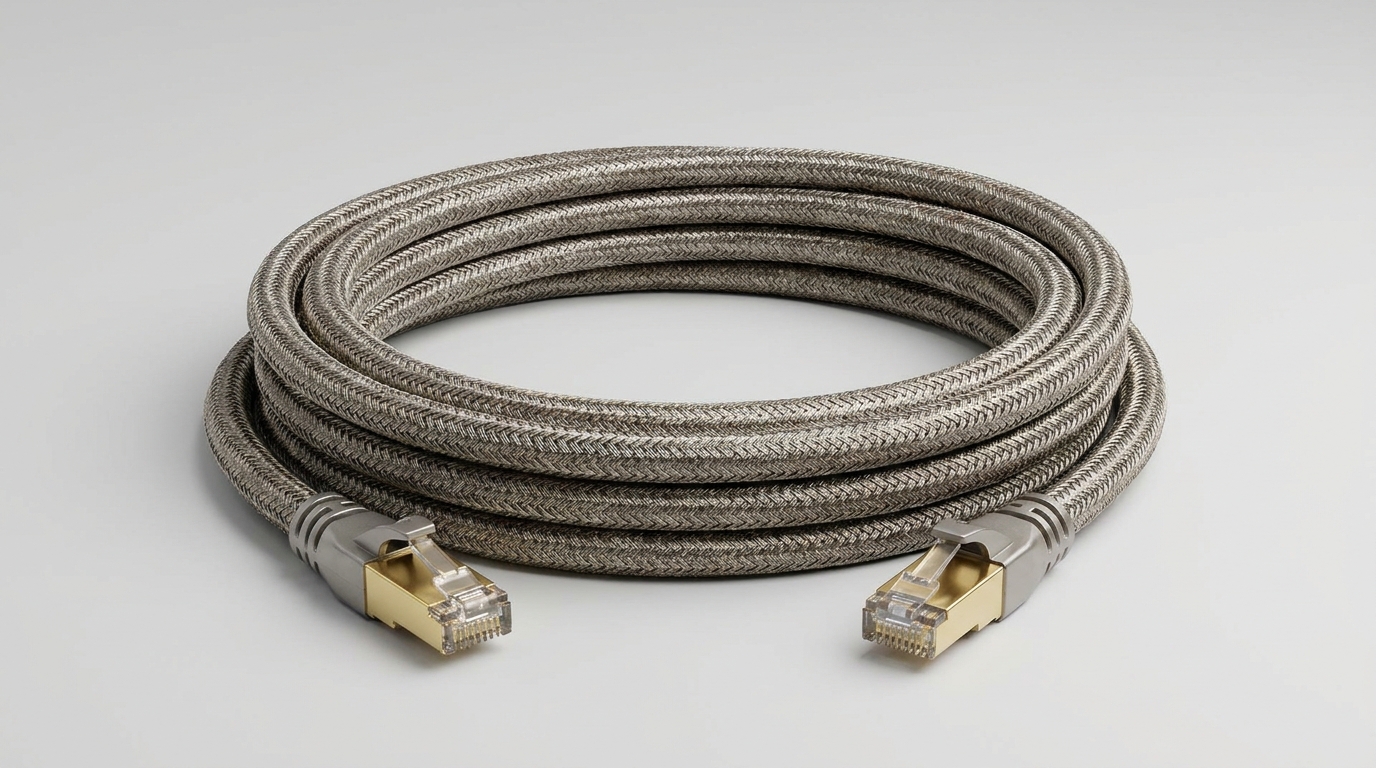
A Cat7 Ethernet Cable is a heavily shielded copper network cable designed for high-frequency data transmission, typically rated up to 600MHz and commonly associated with 10Gbps networking over 100 meters. Compared with Cat6a, Cat7 can offer better shielding, but Cat6a is often more standardized and easier to deploy.
Category Definition and Practical Role
Cat7, also known as Category 7 cable, was developed for high-performance Ethernet environments where electromagnetic interference control is important. It usually uses individually shielded twisted pairs plus an overall shield, which helps protect signal integrity in electrically noisy spaces.
However, Cat7 is not always the default best choice. In many real-world installations, Cat6a supports the same 10Gbps Ethernet speed over the same 100-meter distance and is more widely recognized in common networking standards.
Based on our internal data and market analysis, here is the breakdown:
| Cable Type | Typical Bandwidth | Common Max Speed | Typical Max Distance | Shielding | Practical Use Case |
|---|---|---|---|---|---|
| Cat6 | 250MHz | 1Gbps to 10Gbps short runs | 100m for 1Gbps | UTP or shielded | Homes, offices, basic upgrades |
| Cat6a | 500MHz | 10Gbps | 100m | Often shielded | Modern 10Gbps networks |
| Cat7 | 600MHz | 10Gbps | 100m | Strong shielding | EMI-heavy environments |
| Cat8 | 2000MHz | 25Gbps to 40Gbps | Up to 30m | Shielded | Data centers, short high-speed links |
cwcables Pro Tip: I recommend Cat7 only when shielding is a priority or when your installation environment has heavy electrical noise. For most 10Gbps projects, I usually start by comparing Cat6a first because it is standards-friendly, cost-effective, and easier to source.
How Does Cat7 Ethernet Cable,cat7 vs cat6a, cat7 speed, is cat7 worth it Work?
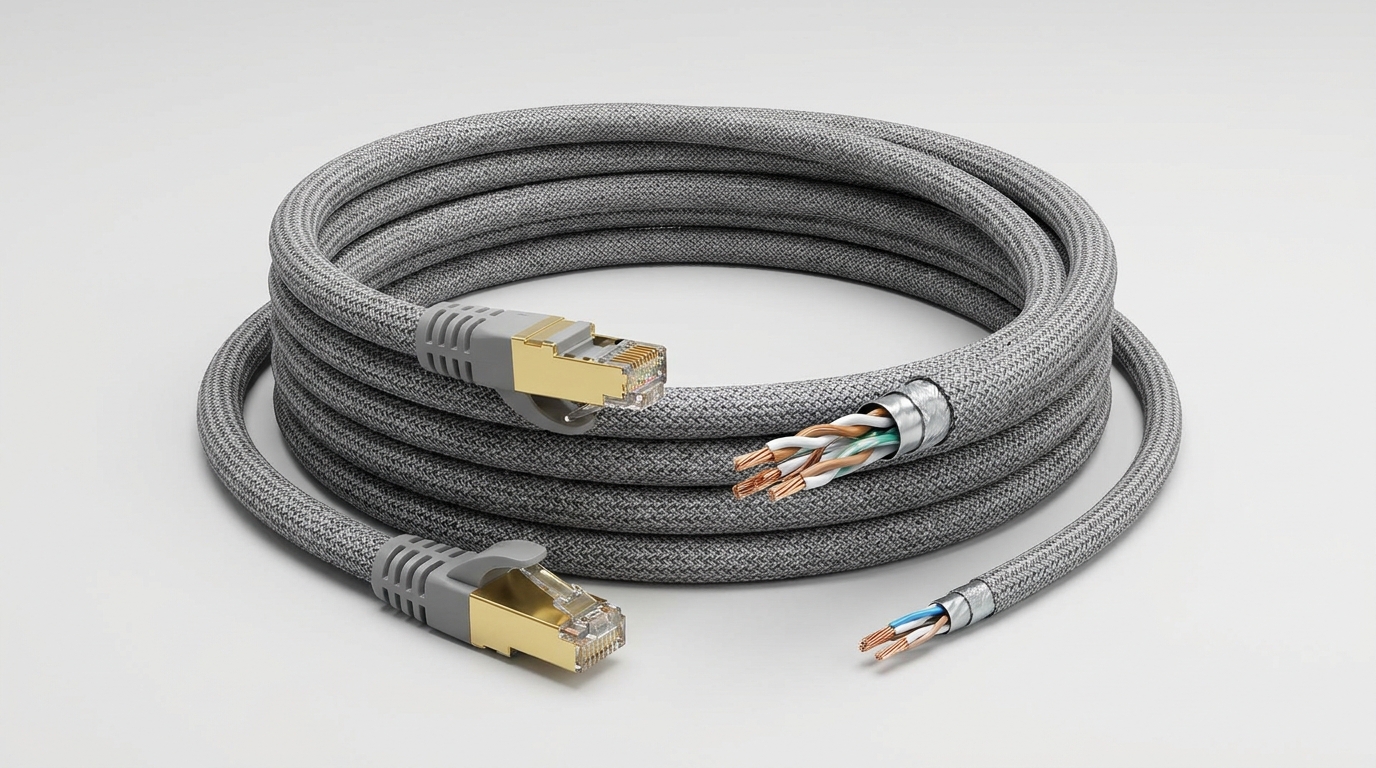
Cat7 works by transmitting data through four twisted copper wire pairs while using advanced shielding to reduce crosstalk and electromagnetic interference. Its higher frequency rating supports stable high-speed signaling, but actual Cat7 speed depends on your switches, network cards, connectors, cable length, and installation quality.
Signal Transmission and Shielding Design
Ethernet cables send data as electrical signals across twisted copper pairs. Twisting reduces interference between wires, while shielding blocks external electrical noise from motors, power lines, fluorescent lighting, and dense cable bundles.
Cat7 typically improves signal protection by using both pair-level shielding and an overall cable shield. This can make it useful in industrial buildings, server rooms, and structured cabling pathways where interference risk is higher.
Key working factors include:
- Twisted pair geometry reduces internal signal interference.
- Individual pair shielding helps limit crosstalk between wire pairs.
- Overall shielding protects against external electromagnetic interference.
- Grounding quality affects how well shielded cable performs.
- Connector compatibility determines whether the installation reaches its intended speed.
- Active equipment capability controls the real-world data rate.
cwcables Pro Tip: I always remind buyers that cable speed is only one part of the network. A Cat7 Ethernet Cable will not make a 1Gbps router perform at 10Gbps. Check your switch ports, NICs, patch panels, and connectors before paying for higher cable ratings.
What are the benefits of Cat7 Ethernet Cable,cat7 vs cat6a, cat7 speed, is cat7 worth it?
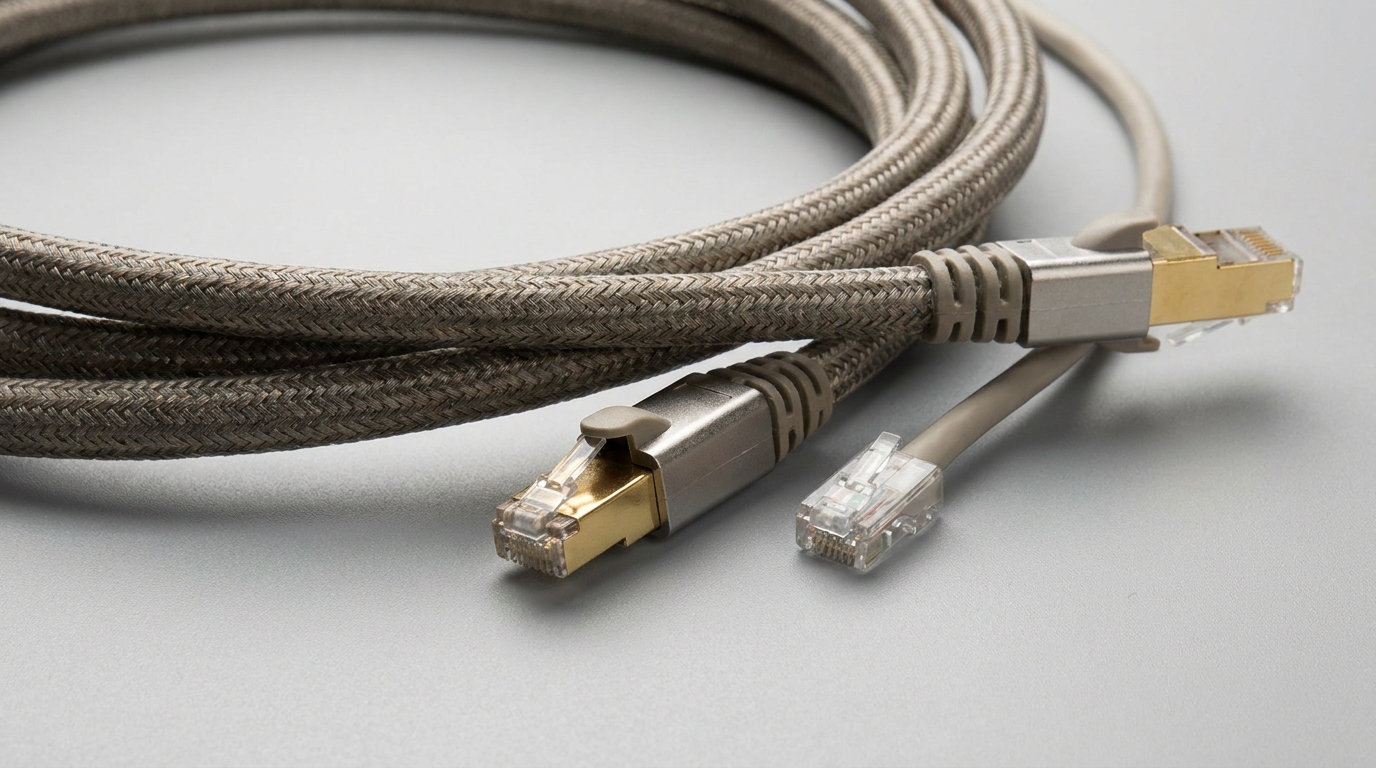
The main benefits of Cat7 include strong shielding, reduced signal interference, stable 10Gbps capability, and better performance in electrically noisy environments. It can be worthwhile for demanding installations, but for typical home and office networks, Cat6a often provides similar practical performance at a better overall value.
Performance Advantages and Best-Fit Applications
Cat7 is most attractive when network stability matters as much as raw speed. Its shielding can reduce packet errors, minimize alien crosstalk, and support cleaner signal transmission across longer structured runs.
That said, Cat7 is not automatically better for every buyer. If your environment is low-interference and your target is standard 10Gbps Ethernet, Cat6a may offer nearly the same user experience with simpler installation and stronger standards alignment.
Based on our internal data and market analysis, here is the breakdown:
| Benefit | Cat7 Advantage | When It Matters Most |
|---|---|---|
| Interference protection | Strong shielding around pairs and cable body | Industrial areas, server racks, power-dense spaces |
| Stable high-speed links | Designed for high-frequency transmission | 10Gbps structured cabling |
| Crosstalk reduction | Better isolation between pairs | Dense cable bundles |
| Durability options | Often built with thicker jackets and shielding | Permanent wall or conduit runs |
| Future-readiness | Higher frequency rating than Cat6a | Upgrades where shielding is valuable |
| Signal consistency | Less noise-related degradation | Long runs near electrical equipment |
cwcables Pro Tip: I see the best value from Cat7 when it solves a real interference problem. If the installation is a clean home office or normal commercial network, I usually compare Cat6a first before stepping up to Cat7.
How to maintain a Cat7 Ethernet Cable,cat7 vs cat6a, cat7 speed, is cat7 worth it?
To maintain Cat7 performance, avoid sharp bends, crushed jackets, poor grounding, low-quality connectors, and excessive pulling force during installation. Because Cat7 relies heavily on shielding integrity, physical damage or improper termination can reduce its advantage over Cat6a and may cause unstable speed or intermittent connectivity.
Handling, Installation, and Inspection Practices
Cat7 cable maintenance is mostly about preserving its physical structure. Shielded cable can perform extremely well, but only when the shield, conductor geometry, and terminations remain intact.
Poor cable management can introduce problems that are difficult to diagnose. A cable may still link at 1Gbps while failing to support stable 10Gbps under load, especially if the shielding or connector termination is compromised.
Recommended maintenance steps:
- Respect bend radius and avoid tight loops behind desks, racks, or wall plates.
- Do not crush the cable with staples, furniture legs, cable ties, or door frames.
- Use compatible shielded connectors when the cable design requires shield continuity.
- Keep separation from power cables where possible, especially on long parallel runs.
- Label both ends clearly to simplify troubleshooting and future upgrades.
- Test installed links with a cable tester or certification tool after installation.
- Inspect patch cords periodically for jacket cuts, bent plugs, or loose latch tabs.
cwcables Pro Tip: I prefer Velcro wraps over plastic zip ties for Cat7 cable management. Zip ties are easy to overtighten, and once the cable geometry is compressed, the shielding advantage may not fully compensate for the physical damage.
What is the price of Cat7 Ethernet Cable,cat7 vs cat6a, cat7 speed, is cat7 worth it?
Cat7 Ethernet Cable pricing varies by length, shielding quality, conductor material, jacket rating, connector type, and certification claims. It usually costs more than Cat6a, so it is worth buying only when the installation benefits from stronger shielding, premium construction, or specific environmental protection requirements.
Pricing Variables and Budget Expectations
The price of Cat7 depends heavily on build quality. A short patch cable may be inexpensive, while bulk Cat7 cable for structured cabling can cost significantly more once shielded connectors, labor, testing, and pathway requirements are included.
Buyers should be cautious with unusually cheap Cat7 products. Some cables are marketed as Cat7 but use questionable materials, nonstandard connectors, copper-clad aluminum conductors, or vague performance claims.
Based on our internal data and market analysis, here is the breakdown:
| Buying Factor | Lower-Cost Option | Higher-Cost Option | Why It Affects Price |
|---|---|---|---|
| Conductor material | CCA or mixed claims | Solid bare copper | Copper improves reliability and compliance |
| Shielding | Basic foil | Individual pair shield plus overall shield | More shielding increases material and labor cost |
| Jacket rating | Standard PVC | Riser, plenum, outdoor, UV-rated | Safety and environment ratings cost more |
| Length | Short patch cord | Bulk spool or long custom run | More material and testing required |
| Connectors | Basic RJ45 plug | Shielded plug or certified assembly | Better termination supports performance |
| Testing | Untested claim | Fluke-tested or certified | Verification adds quality assurance |
cwcables Pro Tip: I would rather buy a verified Cat6a cable than a suspiciously cheap “Cat7” cable with weak specifications. Look for copper conductors, clear jacket ratings, and realistic performance documentation before focusing on the category label.
Key Features & Comparison
Cat7 is best understood by comparing it directly with Cat6a and other Ethernet cable categories. While Cat7 has a higher bandwidth rating than Cat6a and stronger shielding, Cat6a remains the more common choice for standardized 10Gbps Ethernet in many residential and commercial installations.
Category-by-Category Performance View
Choosing between Cat7 vs Cat6a should start with your network goal. If you need 10Gbps to a workstation, access point, NAS, or switch, Cat6a is usually sufficient. If the run passes through noisy electrical areas or dense cable pathways, Cat7 may provide extra protection.
Based on our internal data and market analysis, here is the breakdown:
| Feature | Cat6 | Cat6a | Cat7 | Cat8 |
|---|---|---|---|---|
| Typical Bandwidth | 250MHz | 500MHz | 600MHz | 2000MHz |
| Common Speed Rating | 1Gbps, 10Gbps short distance | 10Gbps | 10Gbps | 25Gbps to 40Gbps |
| Typical Distance at Top Rated Speed | Up to 55m for 10Gbps | 100m | 100m | Up to 30m |
| Shielding Level | Optional | Commonly shielded or UTP | Strong shielding | Strong shielding |
| Ease of Installation | Easy | Moderate | Moderate to difficult | More specialized |
| Standards Adoption | Very common | Very common | Less common in RJ45 environments | Data center focused |
| Best Use | General networking | 10Gbps office/home backbone | Noisy environments | Short high-speed data center links |
| Value for Most Users | Good | Excellent | Conditional | Specialized |
cwcables Pro Tip: When customers ask me if Cat7 is worth it, I look at the environment first. For ordinary 10Gbps upgrades, Cat6a usually wins on value. For interference-heavy pathways, Cat7 becomes much easier to justify.
Cost & Buying Factors
The total cost of Cat7 is not just the cable price. Installation labor, shielded connectors, compatible patch panels, testing, jacket rating, and device capability all affect the final value. Cat7 is worth considering when these added costs support a measurable reliability or interference-control benefit.
What to Check Before You Buy
A smart buying decision starts with matching cable capability to the actual network. Paying for Cat7 will not improve performance if your hardware, terminations, or internet plan cannot use the available bandwidth.
For structured cabling, the most expensive mistake is buying cable before confirming the environment and installation method. Wall-rated, plenum-rated, outdoor-rated, and shielded cables serve different purposes.
Important buying factors include:
- Network speed target: 1Gbps, 2.5Gbps, 5Gbps, or 10Gbps.
- Hardware compatibility: Router, switch, server, NAS, and network card port speeds.
- Cable length: Longer runs need better signal quality and proper installation.
- Installation location: In-wall, ceiling, conduit, outdoor, rack, or desktop use.
- Shielding requirement: Necessary in noisy environments, less critical in clean spaces.
- Jacket rating: Choose riser, plenum, outdoor, or standard patch cable correctly.
- Connector and patch panel quality: Poor termination can limit real-world performance.
- Testing requirements: Certified testing is valuable for business-critical links.
cwcables Pro Tip: I suggest planning the whole channel, not just the cable. A premium Cat7 run with cheap unshielded keystone jacks can underperform. Match the cable, connectors, patch panels, and testing method from the start.
Conclusion
Cat7 Ethernet Cable can be a strong choice when shielding, signal stability, and interference resistance matter. However, for many homes and offices, Cat6a delivers the same practical 10Gbps result with better value and easier deployment. The best cable is the one that matches your network environment, hardware, and upgrade plan.
Final Recommendation for Buyers
Cat7 is not a bad choice, but it is often misunderstood. Its shielding and frequency rating can be useful, especially in demanding electrical environments, but the average user may not see a noticeable improvement over Cat6a.
If you are upgrading a home office, gaming room, small business, or structured cabling system, compare real requirements before paying more. cwcables can help you evaluate cable type, length, shielding, jacket rating, and compatibility so your network is built for stable long-term performance.
Best decision path:
- Choose Cat6a for most standard 10Gbps home and office networks.
- Choose Cat7 when shielding and interference resistance are important.
- Choose Cat8 only for short, specialized, ultra-high-speed data center links.
- Avoid low-quality cable with unclear conductor material or unsupported claims.
- Match every component from patch cable to switch port for reliable results.
cwcables Pro Tip: My practical answer is simple: Cat7 is worth it when the environment justifies it. If you only need dependable 10Gbps in a normal setting, start with quality Cat6a; if interference is a real concern, Cat7 becomes the smarter investment.