

Gigabit Ethernet is a wired networking standard that moves data at up to 1 gigabit per second, making it a practical foundation for homes, offices, data rooms, security systems, and business networks. It is commonly delivered over copper Ethernet cabling or fiber links and is often described as 1Gb Ethernet, offering faster transfers, lower latency, and more reliable performance than older Fast Ethernet.
Definition and Core Concept
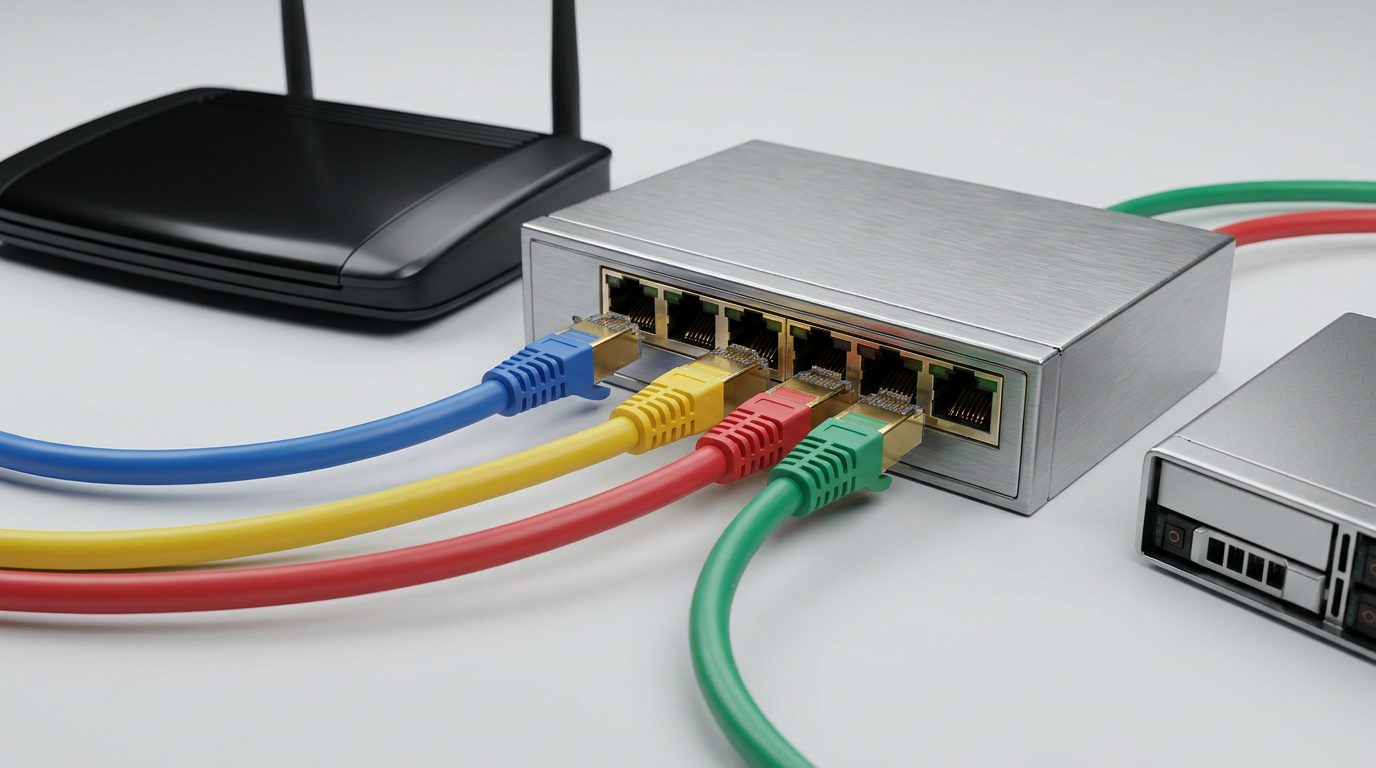
Gigabit Ethernet is an Ethernet networking technology designed to transmit data at up to 1,000 Mbps, or 1 Gbps. It is widely used for LAN connections between computers, switches, routers, servers, access points, and network storage devices, delivering dependable high-speed wired connectivity over compatible copper or fiber infrastructure.
Core Standard and Practical Meaning
Gigabit Ethernet is part of the IEEE 802.3 family of Ethernet standards. In everyday terms, it means a wired network connection can theoretically transfer about 1 billion bits per second. Actual usable throughput is usually lower because of protocol overhead, device performance, cable quality, and network traffic.
Most modern routers, switches, computers, smart TVs, network-attached storage devices, and wireless access points support 1Gb Ethernet ports. For many homes and businesses, it remains the standard baseline for reliable wired networking.
Based on our internal data and market analysis, here is the breakdown:
| Term | Meaning | Common Use |
|---|---|---|
| Fast Ethernet | 100 Mbps | Older devices, legacy networks |
| Gigabit Ethernet | 1,000 Mbps / 1 Gbps | Modern home and office LANs |
| 1Gb Ethernet | Same as Gigabit Ethernet | Product listings and port labels |
| 10 Gigabit Ethernet | 10,000 Mbps / 10 Gbps | Servers, data centers, high-performance networks |
cwcables Pro Tip: I recommend treating Gigabit Ethernet as the minimum wired standard for any new installation. Even if your internet plan is slower than 1 Gbps, gigabit-capable cabling and switches give your network room to perform reliably as devices and bandwidth demands grow.
How Does Gigabit Ethernet Work?
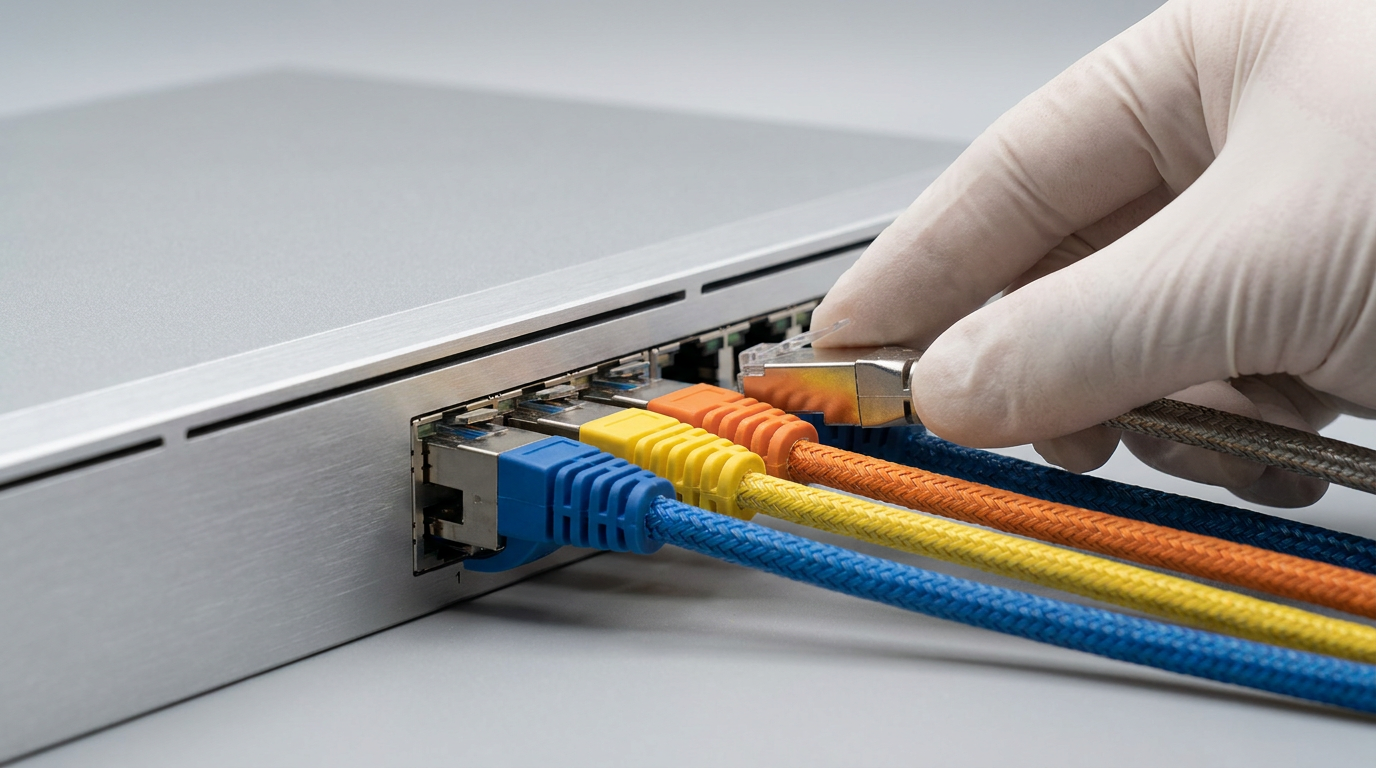
Gigabit Ethernet works by sending digital data frames between network devices through Ethernet ports, switches, and cabling. Copper versions typically use all four twisted pairs inside a compatible Ethernet cable, while fiber versions use optical signals. Network devices negotiate speed, duplex mode, and link quality automatically.
Signal Transmission and Link Negotiation
When two Gigabit Ethernet devices connect, they perform auto-negotiation. This process determines the best common speed and duplex setting supported by both devices. If the cable, port, and connected device all support gigabit operation, the link usually establishes at 1,000 Mbps full duplex.
For copper connections, 1000BASE-T is the most common form. It uses all four wire pairs in a gigabit ethernet cable and transmits data in both directions simultaneously. This full-duplex operation helps prevent collisions and improves real-world network performance.
A typical Gigabit Ethernet connection works through these stages:
- A device connects to a switch, router, or network port using a compatible Ethernet cable.
- Both devices perform auto-negotiation to confirm supported speed and duplex mode.
- The link establishes at the highest stable shared speed, ideally 1 Gbps full duplex.
- Data is divided into Ethernet frames and transmitted across the cable or fiber.
- The receiving device checks and processes the frames before forwarding them to the operating system or application.
cwcables Pro Tip: If a gigabit port only connects at 100 Mbps, I first check the cable. A damaged conductor, poor termination, or older two-pair cable can force the link to downgrade even when both devices support 1Gb Ethernet.
What are the benefits of Gigabit Ethernet?
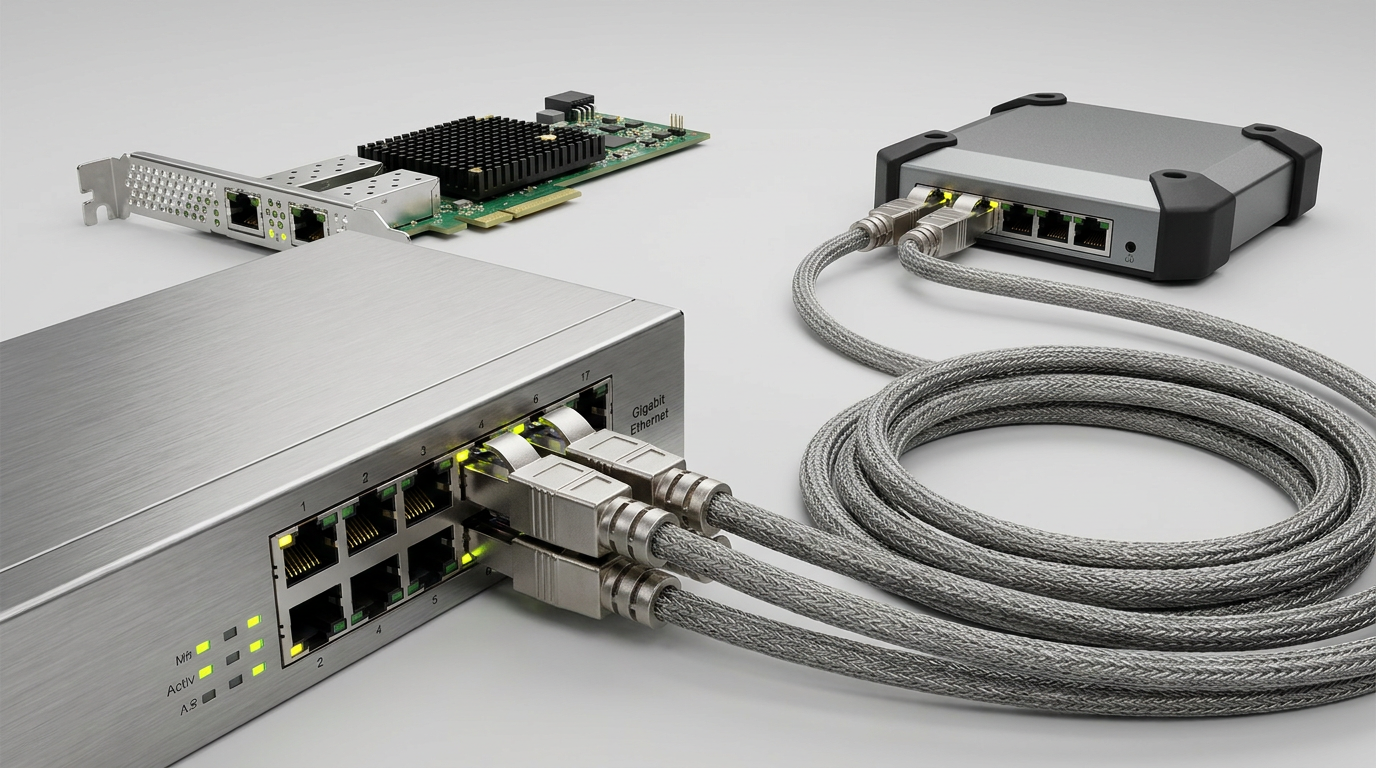
Gigabit Ethernet provides faster file transfers, smoother streaming, improved video conferencing, better server access, and more stable performance than wireless-only connections. It is especially useful when multiple devices share a network, because wired gigabit links reduce congestion, latency, and interference while supporting consistent high-bandwidth communication.
Performance Advantages for Modern Networks
The main advantage of Gigabit Ethernet is dependable speed. Unlike Wi-Fi, which can be affected by walls, distance, radio interference, and competing wireless devices, a wired gigabit connection is usually more consistent. This matters for large file transfers, cloud backup, IP cameras, VoIP systems, media editing, and business applications.
Gigabit Ethernet also improves internal LAN performance. Even if your internet service is below 1 Gbps, devices on the same local network can still exchange data at gigabit speeds when properly connected.
Key benefits include:
- Higher throughput: Supports up to 1,000 Mbps link speed for faster data movement.
- Lower latency: Helps gaming, video calls, VoIP, and real-time applications feel more responsive.
- Better reliability: Wired connections avoid many wireless interference issues.
- Scalability: Works well with switches, routers, access points, NAS devices, and servers.
- Broad compatibility: Supported by most modern consumer and commercial networking hardware.
- Cost efficiency: Offers strong performance without the higher equipment cost of 10GbE networks.
cwcables Pro Tip: I use wired Gigabit Ethernet for devices that need consistency, such as desktops, access points, printers, NAS units, cameras, and media systems. Wi-Fi is convenient, but copper cabling is still the dependable backbone of a well-built network.
How to maintain a Gigabit Ethernet?
Maintaining Gigabit Ethernet means keeping cables, connectors, switches, routers, and patch panels in good condition. Regular inspection, proper cable management, firmware updates, and performance testing help prevent speed drops, packet loss, intermittent disconnections, and network downtime across home, office, and commercial installations.
Maintenance Checklist for Reliable Speed
A Gigabit Ethernet network is usually low-maintenance, but physical-layer problems can reduce performance. Poor terminations, tight cable bends, crushed cable jackets, dust in ports, and overloaded switches can all affect reliability. For business networks, documentation and periodic testing are especially important.
Use certified cables and avoid mixing unknown patch cords into critical links. For permanent installations, label wall ports, patch panel connections, and switch ports so troubleshooting is faster when a device loses connectivity.
Recommended maintenance steps:
- Inspect cables regularly for cuts, kinks, crushed sections, or loose connectors.
- Check link speed on computers, switches, and routers to confirm 1 Gbps negotiation.
- Replace suspect patch cords if a device drops to 100 Mbps or disconnects intermittently.
- Keep cable runs organized with proper bend radius and strain relief.
- Update firmware on managed switches, routers, and network appliances.
- Test critical links with a cable tester or certification tool after installation or changes.
- Avoid electrical interference by keeping Ethernet cables away from high-voltage wiring where possible.
cwcables Pro Tip: I always label both ends of installed Ethernet runs. It seems simple, but clear labeling saves a huge amount of troubleshooting time when a gigabit link fails or a user reports slow network performance.
What is the price of Gigabit Ethernet?
The price of Gigabit Ethernet depends on the hardware and cabling required. A basic home upgrade may only need affordable Cat5e or Cat6 patch cables and a small gigabit switch, while business installations can include structured cabling, patch panels, managed switches, testing, and labor costs.
Typical Cost Components
Gigabit Ethernet is generally one of the most cost-effective network upgrades because the technology is mature and widely supported. Many devices already include gigabit ports, so the main expenses are often cabling, switches, wall plates, patch panels, and installation labor.
For new construction or commercial environments, structured cabling costs more upfront but delivers a cleaner, easier-to-maintain network. For desktop upgrades, a simple gigabit switch and compatible cables may be enough.
Based on our internal data and market analysis, here is the breakdown:
| Item | Typical Cost Range | Notes |
|---|---|---|
| Cat5e patch cable | Low | Supports 1Gb Ethernet for standard short runs |
| Cat6 patch cable | Low to moderate | Better headroom and common for new installs |
| 5-port gigabit switch | Low | Good for small home or desk expansion |
| 8- to 24-port gigabit switch | Moderate | Common for offices and network closets |
| Managed gigabit switch | Moderate to high | Adds VLANs, monitoring, QoS, and control |
| Professional cable installation | Varies widely | Depends on wall access, distance, building type, and testing needs |
cwcables Pro Tip: I suggest budgeting for quality cable first, not just the cheapest switch. A reliable gigabit ethernet cable is the physical foundation of the link, and poor cabling can make good equipment perform badly.
Key Features & Comparison
Gigabit Ethernet stands out for its balance of speed, affordability, compatibility, and reliability. Compared with 100 Mbps Ethernet, it offers ten times the link speed, while remaining far less expensive and easier to deploy than 10GbE for most homes, offices, classrooms, and small business networks.
Standards, Cable Types, and Use Cases
Gigabit Ethernet can run over copper or fiber, but copper 1000BASE-T is the most common option in everyday networks. Cat5e is typically sufficient for 1Gb Ethernet up to 100 meters under proper installation conditions, while Cat6 is often preferred for new cabling because it provides better noise performance and future flexibility.
Based on our internal data and market analysis, here is the breakdown:
| Feature | Fast Ethernet | Gigabit Ethernet | 10 Gigabit Ethernet |
|---|---|---|---|
| Maximum link speed | 100 Mbps | 1,000 Mbps | 10,000 Mbps |
| Common name | 100BASE-TX | 1000BASE-T | 10GBASE-T |
| Typical copper cable | Cat5 or better | Cat5e/Cat6 | Cat6A preferred |
| Maximum copper distance | 100 m | 100 m | Up to 100 m with Cat6A |
| Common users | Legacy networks | Homes, offices, SMBs | Data centers, servers, high-end workstations |
| Equipment cost | Very low | Low to moderate | Higher |
| Best fit | Basic connectivity | Standard modern networking | Heavy workloads and backbone links |
cwcables Pro Tip: For new cable runs, I usually choose Cat6 as a practical baseline. Cat5e can handle gigabit, but Cat6 gives better performance margin and makes the installation more useful over time.
Cost & Buying Factors
When buying Gigabit Ethernet equipment, focus on cable category, port count, switch type, installation distance, PoE requirements, and future bandwidth needs. The cheapest option is not always the best value, especially if poor cable quality, unmanaged growth, or insufficient ports force another upgrade later.
Practical Purchasing Guide
A smart Gigabit Ethernet purchase starts with the network layout. Count the number of wired devices, then add extra ports for future expansion. If you need to power devices such as wireless access points, VoIP phones, or IP cameras, consider a PoE or PoE+ gigabit switch.
Cable selection matters as well. For patching devices nearby, pre-made Cat5e or Cat6 cables are usually sufficient. For in-wall or ceiling runs, use properly rated bulk cable and follow local code requirements, such as riser or plenum ratings where applicable.
Consider these buying factors:
- Cable category: Cat5e supports gigabit; Cat6 is a stronger default for new work.
- Cable rating: Use riser, plenum, outdoor, or shielded cable when the environment requires it.
- Port count: Choose a switch with extra ports beyond today’s device count.
- PoE support: Required for powered access points, cameras, phones, and some IoT devices.
- Managed vs. unmanaged: Managed switches help with VLANs, traffic control, monitoring, and security.
- Brand consistency: Standardizing cable and hardware simplifies troubleshooting and replacement.
- Testing needs: Business installations should include link testing or certification.
cwcables Pro Tip: I always plan at least 20–30% extra switch capacity. Networks rarely get smaller, and having open gigabit ports prevents messy add-ons later.
Conclusion
Gigabit Ethernet remains the practical wired networking standard for fast, stable, and affordable connectivity. It supports modern internet plans, smooth local file transfers, reliable device communication, and scalable network design. With the right cable, switch, and installation practices, it delivers strong long-term value.
Final Recommendation
For most homes and businesses, Gigabit Ethernet is the right balance between performance and cost. It is fast enough for everyday productivity, streaming, cloud applications, security systems, network storage, and many professional workflows. While 10GbE is useful for specialized high-performance environments, 1Gb Ethernet is still the dependable default for general wired networking.
Before upgrading, confirm that every part of the connection supports gigabit speeds: the router, switch, device network card, wall jack, patch panel, and cable. A single weak link can reduce performance to 100 Mbps.
A simple upgrade path looks like this:
- Confirm your router and devices support gigabit ports.
- Replace old or damaged cables with quality Cat5e or Cat6 cables.
- Add a gigabit switch if you need more wired ports.
- Test link speeds after installation.
- Use structured cabling for larger or permanent networks.
- Choose trusted cable suppliers such as cwcables for reliable infrastructure components.
cwcables Pro Tip: My best advice is to build the physical network correctly the first time. Good cable, clean terminations, proper labeling, and enough switch capacity make Gigabit Ethernet faster, easier to support, and more reliable for years.