

Choosing the right Ethernet cable in 2026 means balancing speed, reliability, installation environment, code compliance, and budget. Whether you are wiring a home office, upgrading a gaming setup, connecting security cameras, or planning business network infrastructure, the right cable category and construction matter. This guide explains the practical differences between cable types, speeds, pricing, and buying factors so you can purchase with confidence from cwcables.
이더넷 케이블이란 무엇입니까?
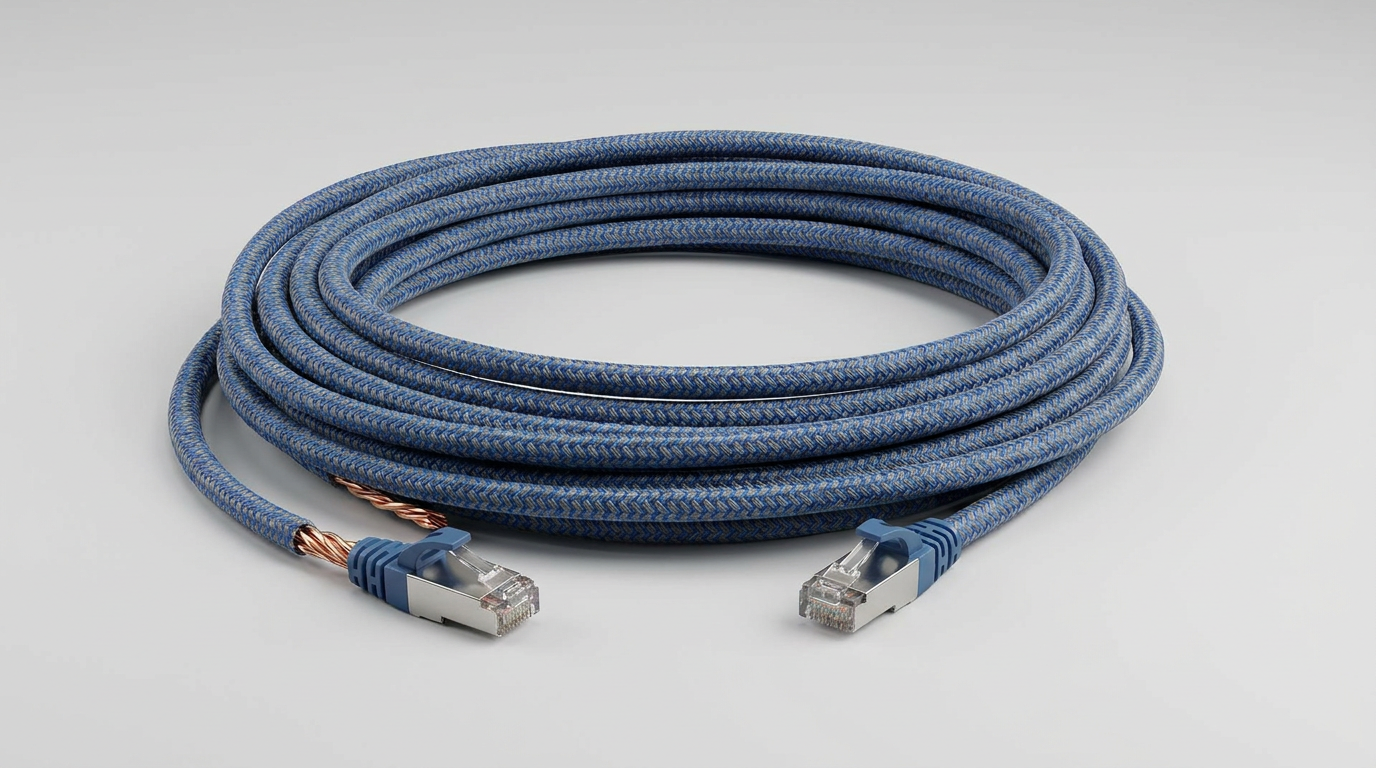
안 이더넷 cable is a wired networking cable used to connect devices such as routers, switches, computers, access points, cameras, and servers. It carries data through twisted copper conductors, delivering stable, low-latency connectivity that is usually faster and more reliable than Wi-Fi for fixed network connections.
이더넷 케이블 기본 사항
An Ethernet cable is part of a structured networking system. Most modern cables use an RJ45 커넥터 and contain four twisted pairs of copper wires. The twists help reduce 전자기 간섭, while the cable category determines supported bandwidth, transmission frequency, and maximum performance distance.
내부 데이터와 시장 분석을 바탕으로 분석한 내용은 다음과 같습니다.
| 케이블 유형 | 일반적인 사용 | 일반적인 속도 지원 | 최고의 대상 |
|---|---|---|---|
| Cat5e | Basic networking | 최대 1Gbps | Homes, small offices, printers |
| Cat6 | Faster local networks | Up to 1Gbps at 100m, 10Gbps shorter runs | Gaming, office networks, access points |
| Cat6a | High-performance networking | Up to 10Gbps at 100m | Business networks, PoE devices, future-ready installs |
| Cat7/Cat8 | Specialized high-speed use | 10Gbps to 40Gbps depending on type | Data centers, short high-bandwidth links |
Ethernet cables are available in different jacket ratings, shielding styles, and conductor materials. For most buyers, solid bare copper Cat6 or Cat6a is the best long-term choice, especially for in-wall installation or 이더넷을 통한 전력 공급 applications.
cwcables 프로 팁: I recommend choosing cable based on where it will be installed, not just the advertised speed. A properly rated Cat6a cable in the right jacket often performs better long term than an over-specified cable installed in the wrong environment.
이더넷 케이블은 어떻게 작동합니까?
An Ethernet cable works by transmitting digital signals as electrical pulses through twisted copper wire pairs. Network devices send and receive these signals using standardized Ethernet protocols, allowing data packets to travel between computers, routers, switches, cameras, and other connected equipment with consistent speed and low latency.
Signal Transmission and Twisted Pair Design
Inside most Ethernet cables are eight copper conductors arranged into four twisted pairs. Each pair carries signals while reducing 누화 from nearby wires. The network equipment at both ends interprets these electrical signals as data packets, then routes them to the correct destination.
The basic process works like this:
- A device creates data packets, such as a file transfer, video stream, or web request.
- The network adapter converts those packets into electrical signals.
- The Ethernet cable carries those signals through twisted copper pairs.
- A switch, router, or receiving device reads the signals.
- The destination device reconstructs the data and responds as needed.
Cable quality affects this process directly. Better twisting consistency, copper purity, insulation, and shielding can improve signal integrity, especially over long runs or in electrically noisy spaces. That is why business networks, PoE camera systems, and access point installations often benefit from higher-grade Ethernet cable.
cwcables 프로 팁: I always advise checking the full channel length, not just the patch cable length. Wall jacks, patch panels, and patch cords all count toward the total run, and exceeding distance limits can reduce performance.
이더넷 케이블의 장점은 무엇입니까?
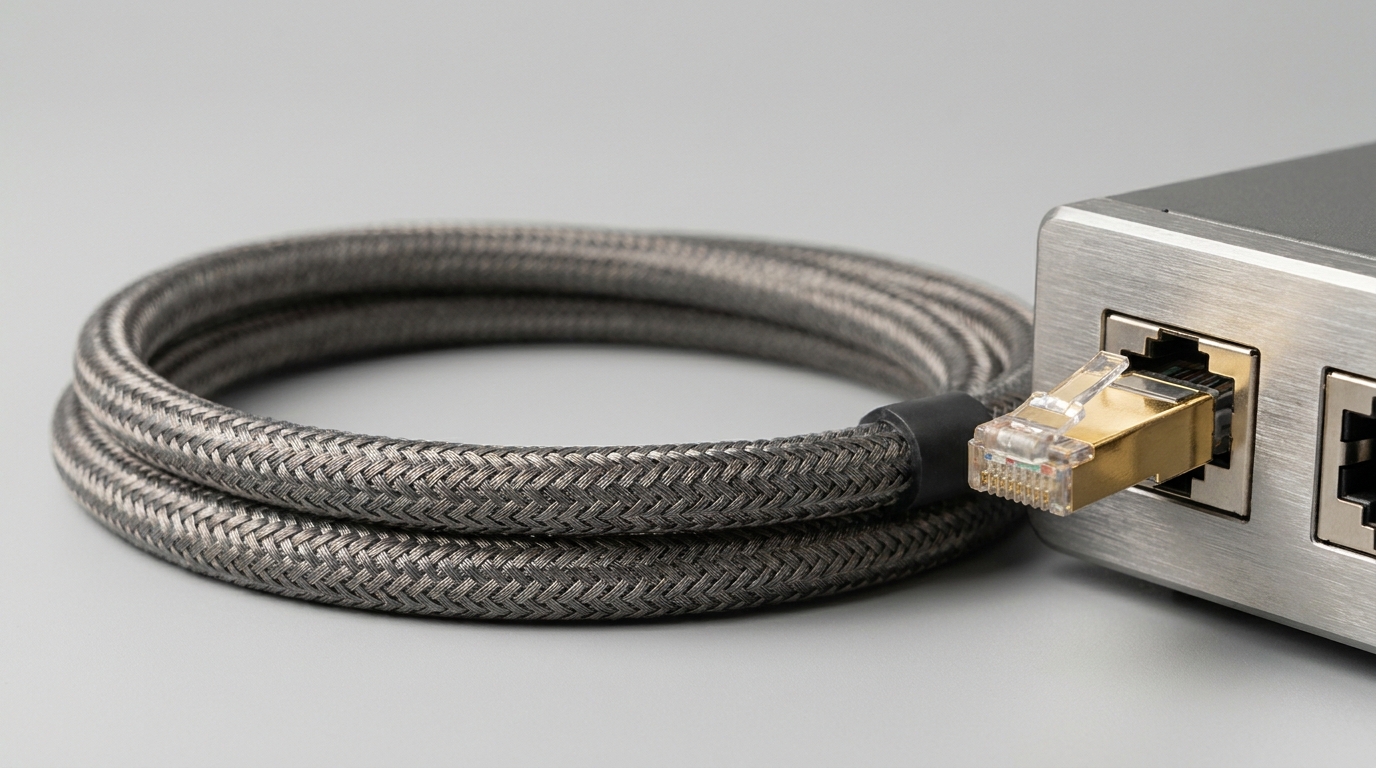
Ethernet cable provides faster, more stable, and more secure connectivity than wireless networks in many situations. It reduces 숨어 있음, avoids common Wi-Fi interference, supports high-bandwidth devices, and can deliver both data and power when used with PoE-compatible equipment such as cameras and access points.
Performance Advantages for Modern Networks
A wired Ethernet connection is still the preferred option for applications where consistency matters. Wi-Fi is convenient, but it can be affected by walls, distance, congestion, and interference from other devices. Ethernet cable creates a dedicated physical path, helping maintain predictable performance.
주요 이점은 다음과 같습니다.
- Lower latency: Ideal for gaming, video conferencing, VoIP, and real-time applications.
- Higher stability: Fewer dropouts compared with congested wireless environments.
- Better security: Physical access is required to connect directly to the network.
- PoE support: Delivers power and data over one cable for cameras, phones, and access points.
- Scalability: Supports structured cabling systems for homes, offices, warehouses, and campuses.
- Future readiness: Cat6a and better cabling can support demanding network upgrades.
For homes, Ethernet is excellent for streaming devices, desktop computers, game consoles, and mesh Wi-Fi backhaul. For businesses, it remains the foundation of dependable network infrastructure.
cwcables 프로 팁: If a device does not move, I prefer wiring it with Ethernet. Save Wi-Fi for phones, tablets, and mobile devices; use cable for workstations, TVs, cameras, printers, and access points whenever possible.
이더넷 케이블을 유지하는 방법은 무엇입니까?
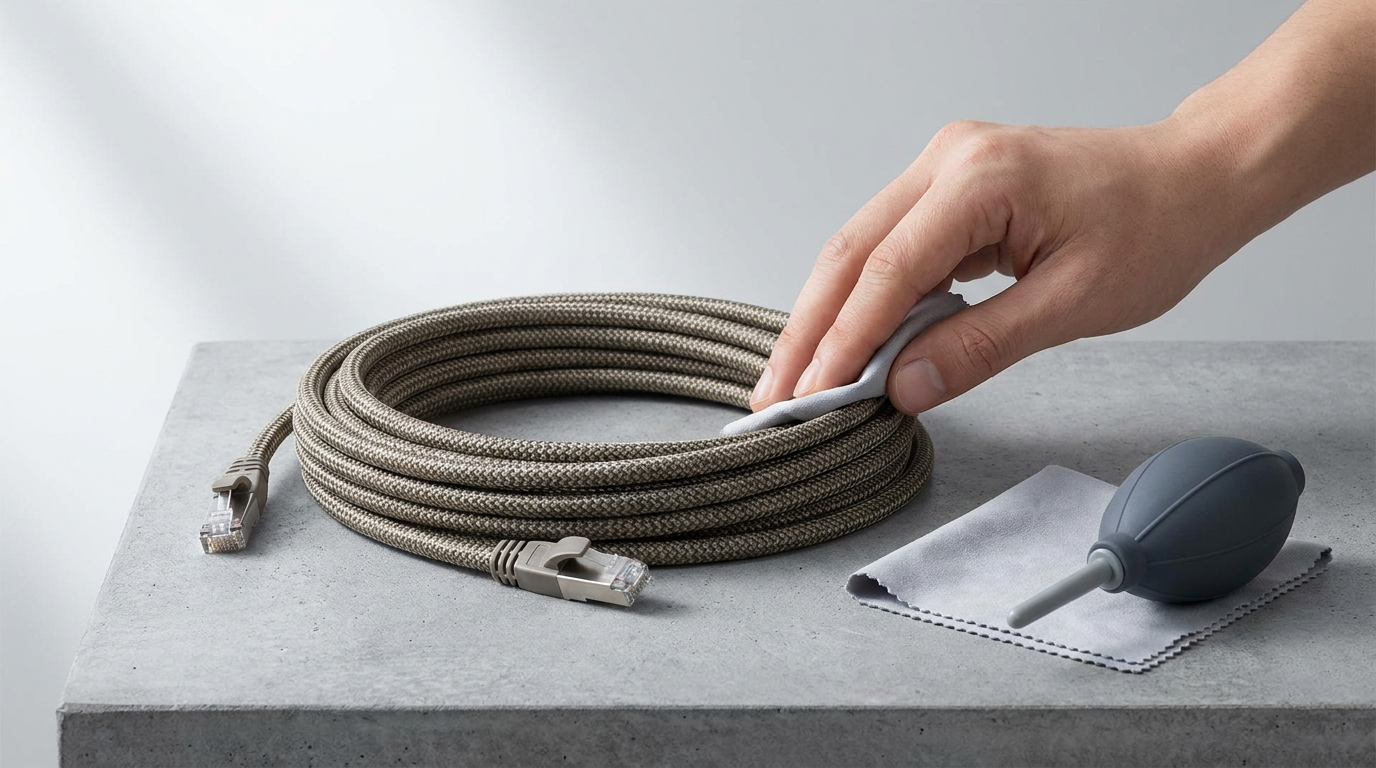
To maintain an Ethernet cable, protect it from sharp bends, crushing, moisture, excessive pulling, and connector damage. Regularly inspect terminations, test questionable runs, keep cables organized, and use the correct indoor, outdoor, riser, or plenum-rated jacket for the installation environment.
Practical Maintenance and Inspection Steps
Ethernet cables are low-maintenance, but poor handling can shorten their life or reduce performance. Damage is not always visible from the outside; internal conductor deformation, bad terminations, or excessive bend radius can cause intermittent connectivity that is difficult to diagnose.
다음 유지 관리 체크리스트를 사용하세요.
- Avoid tight bends: Do not sharply fold the cable behind desks, racks, or wall plates.
- Prevent crushing: Keep cables away from chair wheels, doors, and heavy equipment.
- 커넥터 검사: Look for broken RJ45 clips, loose plugs, or corroded contacts.
- Label cable runs: Organized labeling speeds up troubleshooting and upgrades.
- Use cable management: Velcro ties are better than overly tight zip ties.
- Test important links: Use a cable tester for continuity, wire mapping, and performance checks.
- Replace damaged cables: Intermittent network issues often come from worn patch cords.
For permanent installations, maintenance starts with correct installation. Pulling tension, bend radius, termination quality, and jacket rating all affect long-term performance.
cwcables 프로 팁: I avoid reusing old patch cables for critical links. If a workstation, access point, or camera keeps dropping offline, replacing the patch cord is one of the fastest and cheapest first troubleshooting steps.
이더넷 케이블의 가격은 얼마입니까?
The price of Ethernet cable depends on category, length, conductor material, shielding, jacket rating, and whether it is a patch cable or bulk cable. Short patch cords may cost only a few dollars, while bulk Cat6a or outdoor-rated cable can cost significantly more per box.
Typical Price Ranges by Cable Type
Ethernet cable pricing varies widely because construction quality matters. Bare copper generally costs more than 구리를 입힌 알루미늄, shielded cable costs more than unshielded cable, and plenum-rated jackets cost more than standard PVC jackets. For permanent installations, cheaper cable can become expensive if it fails inspection or underperforms.
내부 데이터와 시장 분석을 바탕으로 분석한 내용은 다음과 같습니다.
| Product Type | 일반적인 가격대 | 주요 비용 요인 | 최고의 사용 |
|---|---|---|---|
| Short Cat5e patch cable | 낮은 | Length, boot style, color | Basic device connections |
| Cat6 패치 케이블 | 낮음~보통 | Length, stranded copper, snagless boots | Office desks, routers, switches |
| Cat6 bulk cable | 보통의 | Bare copper, jacket rating, box length | Home and office wiring |
| Cat6a bulk cable | 보통에서 높음 | Larger conductors, shielding options, performance rating | 10Gbps-ready networks |
| Outdoor Ethernet cable | 보통에서 높음 | UV resistance, waterproofing, gel filling, direct burial rating | Exterior cameras, building links |
| Plenum Ethernet cable | 높은 | CMP-rated low-smoke jacket | Air-handling spaces and commercial buildings |
When comparing prices, check the full specification instead of only the category label. Two Cat6 cables can differ significantly in conductor material, jacket compliance, certification quality, and long-term reliability.
cwcables 프로 팁: I would rather pay slightly more for verified bare copper cable than save a little on unknown material. The cable is often the hardest part to replace once it is inside walls or ceilings.
주요 기능 및 비교
The most important Ethernet cable features are category rating, bandwidth, shielding, conductor material, jacket type, and installation rating. For most users, Cat6 offers strong value, while Cat6a is better for long-term 10Gbps performance, commercial installations, and demanding PoE applications.
Category, Speed, and Installation Comparison
Choosing the right Ethernet cable is easier when you compare performance and installation requirements side by side. Category rating is important, but it should be considered alongside distance, environment, and device requirements.
내부 데이터와 시장 분석을 바탕으로 분석한 내용은 다음과 같습니다.
| 특징 | Cat5e | Cat6 | Cat6a | Cat8 |
|---|---|---|---|---|
| Common Max Speed | 1Gbps | 1Gbps at 100m, 10Gbps shorter runs | 10Gbps at 100m | 25Gbps to 40Gbps short runs |
| 빈도 | 최대 100MHz | 최대 250MHz | 최대 500MHz | 최대 2000MHz |
| 일반적인 최대 거리 | 100m | 100m | 100m | Around 30m for high-speed use |
| 차폐 옵션 | 보통 UTP | UTP 또는 차폐 | UTP 또는 차폐 | 일반적으로 차폐됨 |
| 최고의 사용 사례 | 기본 네트워크 | Homes, offices, gaming | Business, PoE, 10Gbps-ready networks | Data centers, specialized links |
| 설치 난이도 | 쉬운 | 쉬움~보통 | 보통의 | More demanding |
| Value for 2026 Buyers | Budget option | Best all-around value | Best future-ready choice | Niche use only |
For most homes and small businesses, Cat6 is the practical sweet spot. For new construction, commercial cabling, or networks expected to support 10기가비트 이더넷, Cat6a is usually the safer long-term investment. Cat8 should only be used when the connected equipment actually supports and requires it.
cwcables 프로 팁: I do not recommend buying Cat8 just because the number is higher. For most real-world networks, properly installed Cat6a will be more useful, easier to manage, and more cost-effective.
비용 및 구매 요인
When buying Ethernet cable, consider total project cost rather than cable price alone. Length, category, jacket rating, labor, connectors, patch panels, wall plates, testing, and compliance requirements can all affect the final budget, especially for commercial or in-wall installations.
What to Check Before You Buy
A good buying decision starts with the installation plan. A short desk patch cable has very different requirements from a cable run inside walls, above ceilings, outdoors, or between buildings. The wrong jacket type or conductor material can create safety, performance, or code-compliance problems.
Before purchasing, review these buying factors:
- 케이블 카테고리: Choose Cat6 for general use or Cat6a for stronger 10Gbps future readiness.
- 케이블 길이: Avoid excessive slack, but allow enough length for routing and service loops.
- 도체 재료: Prefer solid bare copper for permanent runs and PoE applications.
- 차폐: Use shielded cable in high-interference environments, but ground it correctly.
- 재킷 등급: Use riser, plenum, outdoor, or direct-burial cable where required.
- 커넥터 호환성: Match connectors, keystone jacks, and patch panels to cable category and conductor type.
- PoE 요구 사항: Higher-power PoE devices benefit from quality copper conductors and proper cable bundling.
- Testing needs: Business installations should be tested and documented after completion.
For a simple home setup, pre-made patch cables are usually enough. For a larger installation, bulk cable, keystone jacks, patch panels, and proper termination tools provide a cleaner and more scalable result.
cwcables 프로 팁: I always map the network first. Count every device, measure the route, identify the environment, then select the cable. Buying before planning often leads to wrong lengths, wrong jackets, or unnecessary upgrades.
결론
The best Ethernet cable for 2026 depends on your speed needs, installation environment, and long-term plans. Cat6 remains the best value for many users, while Cat6a is the smarter choice for future-ready 10Gbps networks, commercial cabling, and demanding PoE applications.
Final Recommendation for Buyers
Ethernet cable is one of the most important parts of a dependable network. While routers, switches, and access points often get more attention, cable quality determines whether those devices can perform consistently. A well-chosen cable reduces troubleshooting, supports upgrades, and improves daily network reliability.
이 빠른 결정 가이드를 사용하세요.
- 선택하다 Cat5e only for basic, budget-conscious connections.
- 선택하다 Cat6 for most homes, offices, gaming setups, and general networking.
- 선택하다 Cat6a for new builds, commercial projects, 10Gbps planning, and high-performance PoE.
- 선택하다 outdoor-rated cable for exterior routes, cameras, or exposed areas.
- 선택하다 plenum-rated cable where building code requires low-smoke cabling.
- Avoid unknown or poorly specified cable when installing inside walls or ceilings.
For dependable performance, buy from a supplier that clearly identifies category rating, conductor material, jacket rating, and compliance details. cwcables can help match the right Ethernet cable to your network goals, installation environment, and budget.
cwcables 프로 팁: My final advice is simple: buy the cable once and install it correctly. A quality Ethernet cable is a long-term infrastructure choice, and the right selection today can support your network for years.