

Industrial camera cabling directly affects image stability, trigger accuracy, bandwidth, and long-term 머신 비전 reliability. For buyers, the right camera cable is not just a connector choice—it is a system decision involving interface type, shielding, flex life, installation environment, and total cost. This guide explains common industrial camera cable types, how industrial camera connections work, and how to choose dependable options for demanding applications.
What is industrial camera cable types,camera cable, industrial camera connections?
Industrial camera cable types refer to the specialized cables and connectors used to transmit power, image data, synchronization signals, and control commands between machine vision cameras, lenses, lights, frame grabbers, controllers, and computers. The right camera cable ensures stable industrial camera connections in environments with motion, electrical noise, temperature variation, vibration, and continuous operation.
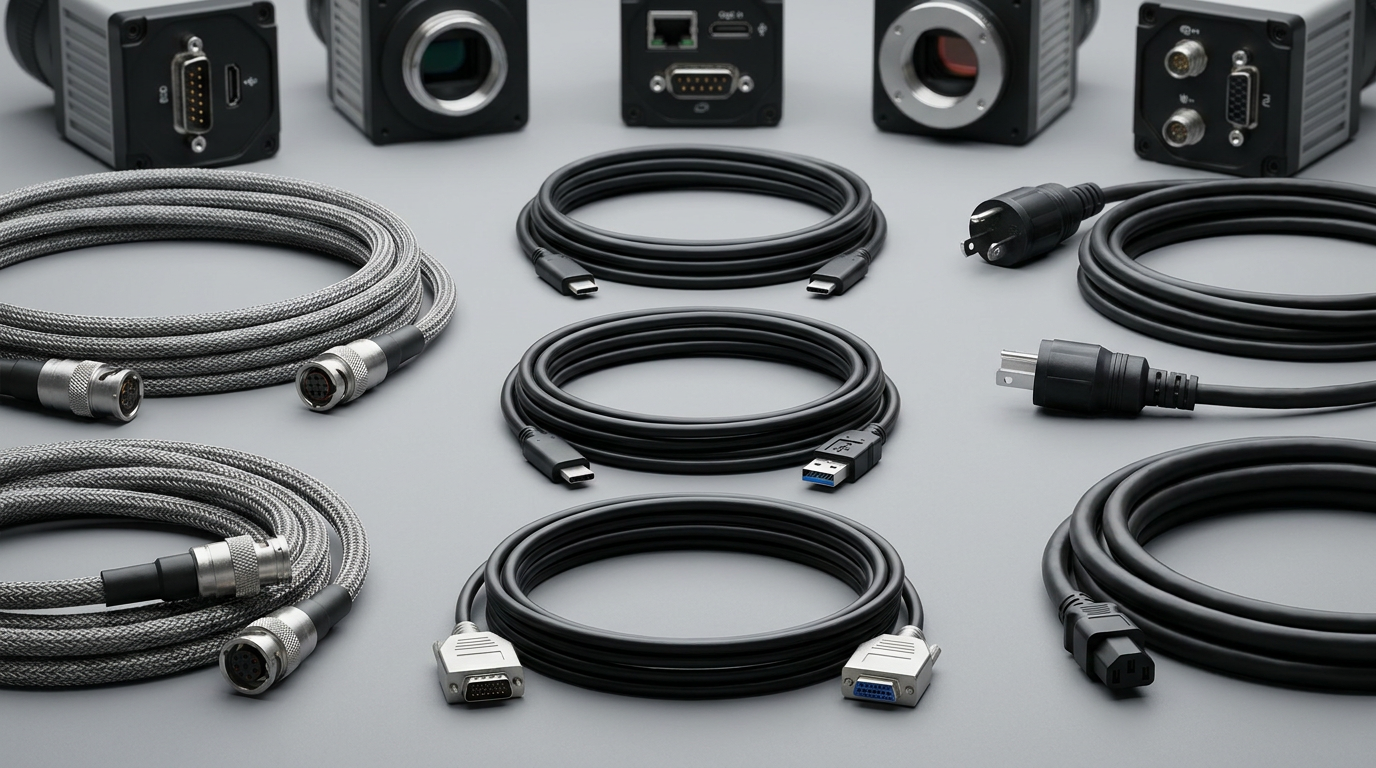
Core Definition and Main Cable Categories
Industrial camera cables are engineered for reliability beyond ordinary office or consumer cables. They are often used in inspection lines, robotics, packaging systems, semiconductor tools, medical imaging equipment, automated warehouses, traffic monitoring systems, and OEM automation equipment.
Different industrial camera connections are designed around bandwidth, cable length, locking method, environmental protection, signal integrity, and compatibility with the camera interface.
내부 데이터와 시장 분석을 바탕으로 분석한 내용은 다음과 같습니다.
| 케이블 유형 | Common Interface | 일반적인 사용 | Key Strength | 구매자 고려사항 |
|---|---|---|---|---|
| USB Camera Cable | USB 2.0, USB 3.0, USB3 Vision | Short-distance machine vision | Cost-effective, easy integration | Length limits and locking connector quality |
| GigE Camera Cable | GigE 비전, Ethernet | Long-distance vision systems | Longer runs, network flexibility | Requires quality shielding and PoE support |
| CoaXPress Cable | CoaXPress | High-speed imaging | Very high bandwidth | Higher system cost |
| Camera Link Cable | Camera Link | Legacy and high-performance systems | Deterministic transmission | Requires frame grabber |
| M12 Camera Cable | M12 A/X-coded | Harsh industrial environments | Rugged, vibration-resistant | Pinout and coding must match |
| Hirose/I/O Cable | GPIO, trigger, power | Control and synchronization | Reliable signal control | Custom wiring may be required |
cwcables 프로 팁: I always recommend identifying the camera interface first, then confirming connector locking style, pinout, cable length, shielding, and flex requirements before comparing price. Most failures come from choosing a cable that fits physically but does not match the application electrically or mechanically.
How Does industrial camera cable types,camera cable, industrial camera connections Work?
Industrial camera cables work by carrying image data, power, trigger signals, synchronization pulses, or control communication between vision components. Depending on the interface, a camera cable may transmit digital packets, high-speed serial data, analog control signals, or 이더넷을 통한 전력 공급 while maintaining signal integrity through shielding, impedance control, and secure connectors.
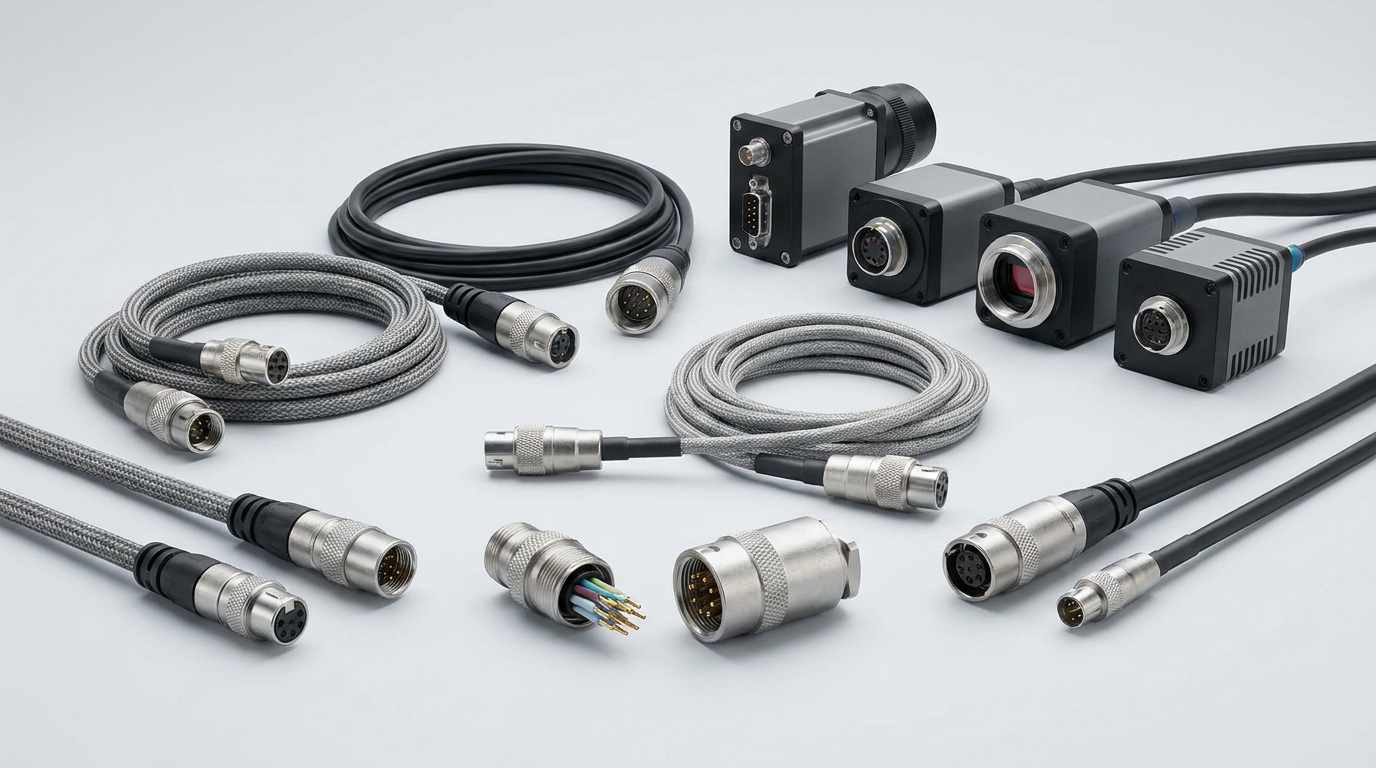
Signal Flow in an Industrial Vision System
A machine vision system depends on precise communication between camera, lighting, sensor, controller, and processing hardware. The camera cable acts as the physical transmission path, and its performance determines whether the system receives clean, complete, and timely data.
A typical industrial camera connection works in the following sequence:
- Power Delivery
The camera receives power through a separate power cable, I/O cable, USB cable, PoE Ethernet cable, or CoaXPress connection. - Image Capture
The camera sensor captures the image based on internal timing or an external trigger signal. - Trigger and Synchronization
I/O cables carry signals from sensors, encoders, PLC, or strobe controllers to coordinate capture timing. - Data Transmission
The camera cable sends image data to a frame grabber, industrial PC, embedded controller, or network switch. - Processing and Feedback
Software analyzes the image and may send output signals back to reject parts, guide robots, or adjust production equipment. - Continuous Monitoring
The system repeats this cycle at high speed, often thousands or millions of times per day.
cwcables 프로 팁: I pay close attention to shielding and grounding when troubleshooting unstable image transmission. If the camera works on a bench but fails on the machine, the issue is often 전자기 간섭, poor cable routing, or a connector that loosens under vibration.
What are the benefits of industrial camera cable types,camera cable, industrial camera connections?
The main benefits include stable image transmission, reduced downtime, accurate triggering, improved noise resistance, longer service life, and better compatibility with industrial equipment. Choosing the right camera cable helps protect machine vision performance, especially in applications involving robotics, moving axes, high-speed inspection, harsh environments, or electrically noisy production lines.
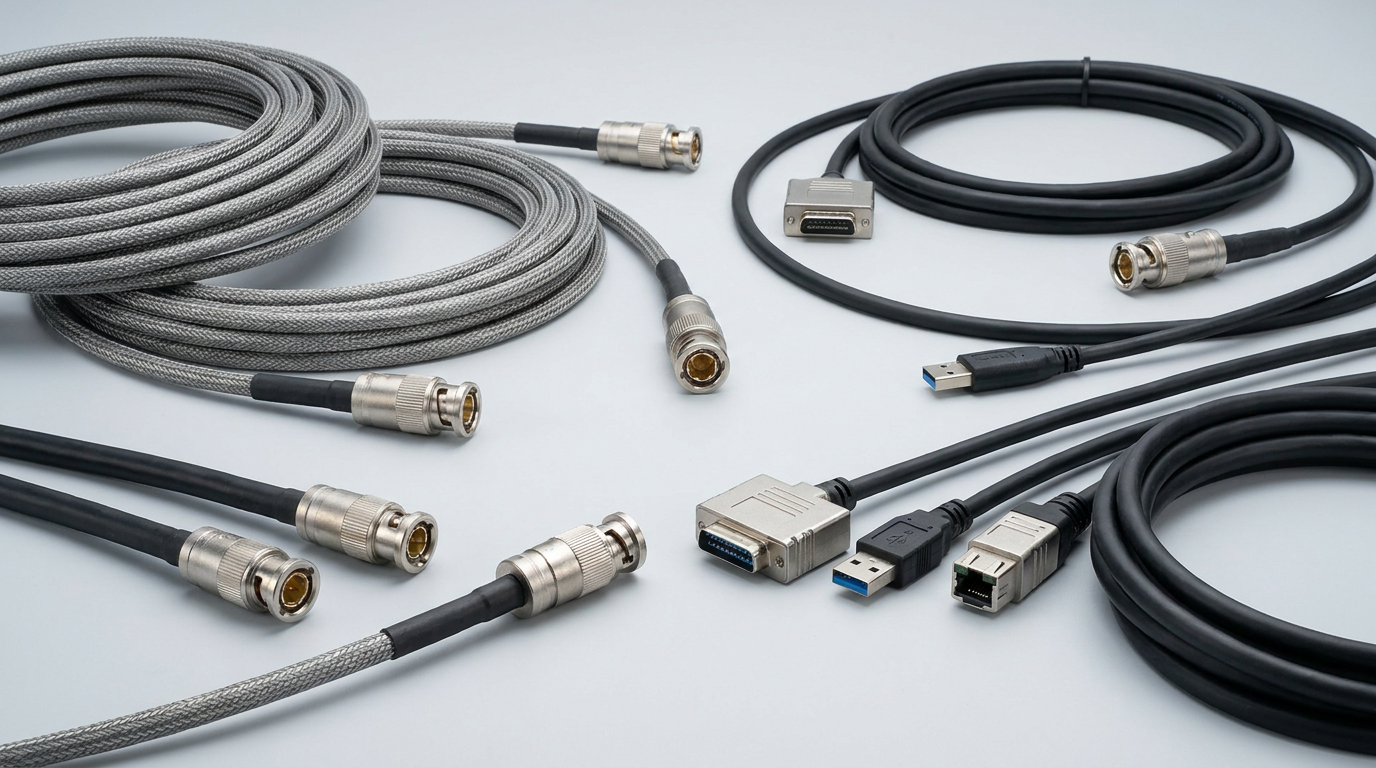
Operational Advantages for Industrial Buyers
Industrial camera cables are not simply accessories; they are reliability components. A low-quality or mismatched cable can cause dropped frames, intermittent disconnections, false rejects, image artifacts, trigger errors, and costly production stoppages.
주요 이점은 다음과 같습니다.
- Reliable Data Integrity
Proper impedance, shielding, and connector quality reduce packet loss and signal degradation. - Improved Production Uptime
Rugged cables resist vibration, flexing, oil exposure, abrasion, and repetitive motion. - Accurate Machine Timing
Trigger and I/O cables support synchronized imaging for fast-moving products. - Cleaner Installation
Locking connectors, right-angle options, custom lengths, and labeled assemblies simplify machine wiring. - Reduced Maintenance Costs
Durable cable jackets and strain reliefs reduce replacement frequency and troubleshooting time. - Better System Scalability
Standardized interfaces such as GigE Vision, USB3 Vision, and CoaXPress allow easier upgrades and multi-camera expansion.
cwcables 프로 팁: I suggest buyers treat cables as part of the machine vision specification, not as afterthoughts. Spending slightly more on the right industrial camera cable can prevent hours of debugging and unexpected line stoppages later.
How to maintain a industrial camera cable types,camera cable, industrial camera connections?
To maintain industrial camera cables, regularly inspect connectors, check jacket wear, verify strain relief, clean contact areas, avoid excessive bending, separate signal cables from high-voltage lines, and replace damaged cables early. Preventive maintenance keeps industrial camera connections stable and helps avoid intermittent image loss, trigger errors, and production downtime.
실제 유지보수 체크리스트
Industrial camera cables often fail gradually before they fail completely. Small jacket cracks, loose locking screws, bent pins, contamination, or poor routing can create intermittent faults that are difficult to diagnose.
Use this maintenance checklist during scheduled machine inspections:
- Inspect Connector Locking Points
Confirm screws, latches, M12 threads, or push-pull locks are secure. - Check Cable Jacket Condition
Look for cuts, abrasion, oil swelling, cracking, crushing, or heat damage. - Verify Bend Radius
Avoid sharp bends near the connector or inside cable tracks. - Separate from Noise Sources
Route camera cables away from motors, VFD, welders, and high-voltage power lines. - Clean Contacts Carefully
Use appropriate electronic contact cleaning methods when contamination is visible. - Test Moving Cables Periodically
For drag chain or robotic applications, monitor for intermittent signal loss during motion. - Label and Document Cable Runs
Record interface type, length, pinout, routing path, and replacement part number.
cwcables 프로 팁: I recommend replacing cables in high-flex applications on a planned schedule instead of waiting for failure. In continuous production, preventive replacement is usually cheaper than emergency troubleshooting during a line stop.
What is the price of industrial camera cable types,camera cable, industrial camera connections?
Prices vary widely based on interface, connector type, shielding, length, flex rating, jacket material, certification, and customization. Standard USB or GigE camera cables may be relatively economical, while high-flex robotic cables, CoaXPress cables, specialized M12 assemblies, and custom pinout industrial camera connections usually cost more due to performance requirements.
Typical Pricing Ranges and Cost Drivers
Industrial camera cable pricing depends on both electrical performance and mechanical durability. Buyers should compare not only unit price but also lifecycle cost, failure risk, lead time, documentation, and compatibility.
내부 데이터와 시장 분석을 바탕으로 분석한 내용은 다음과 같습니다.
| 케이블 카테고리 | 일반적인 비용 수준 | 주요 비용 요인 | 최적의 핏 |
|---|---|---|---|
| Standard USB Camera Cable | 낮음에서 중간까지 | Length, locking connector, shielding | Lab systems and short-run vision |
| USB3 Vision Cable | 중간 | High-speed design, active extension, screw lock | High-resolution short-distance cameras |
| GigE Camera Cable | 낮음에서 중간까지 | Cat rating, shielding, PoE, jacket | Long-distance factory installations |
| M12 Industrial Ethernet Cable | 중간 | IP rating, coding, molded connector | Harsh or vibration-heavy environments |
| Camera Link Cable | 중간에서 높음 | Precision wiring, shielding, connector quality | Deterministic imaging systems |
| CoaXPress Cable | 높은 | Bandwidth, coax quality, connector type | High-speed inspection and scientific imaging |
| Custom Camera Cable | 중간에서 높음 | Pinout, MOQ, testing, materials | OEM machines and special installations |
cwcables 프로 팁: I advise buyers to request the exact electrical specification, connector drawing, and test standard before ordering custom camera cables. A cheap cable that causes one hour of production downtime can cost more than the entire cable purchase.
주요 기능 및 비교
Key features to compare include interface compatibility, bandwidth, maximum length, shielding, connector locking, flex life, environmental rating, jacket material, and power support. A reliable camera cable should match the camera interface and installation conditions while preserving signal quality across the required distance and motion profile.
Feature Comparison for Common Industrial Camera Cable Types
Selecting the correct cable requires matching performance requirements to the real operating environment. A cable used inside a clean inspection cabinet has very different requirements from one installed on a robot arm, gantry, conveyor, or outdoor vision station.
내부 데이터와 시장 분석을 바탕으로 분석한 내용은 다음과 같습니다.
| 특징 | USB Camera Cable | GigE Camera Cable | CoaXPress Cable | Camera Link Cable | M12 Industrial Cable |
|---|---|---|---|---|---|
| 일반적인 대역폭 | 중간에서 높음 | 중간 | 매우 높음 | 높은 | Depends on interface |
| Typical Distance | 짧은 | 긴 | Medium to Long | Short to Medium | Medium to Long |
| Locking Options | Screw lock available | RJ45 or industrial locking | BNC/HD-BNC style | MDR/SDR screws | Threaded M12 |
| Power Support | 때때로 | PoE available | Power over coax possible | Usually separate | 자주 사용 가능 |
| Flex Options | 사용 가능 | 사용 가능 | 사용 가능 | 사용 가능 | Strong for harsh use |
| Noise Resistance | Good with shielding | Good with industrial shielding | 매우 좋은 | 매우 좋은 | 매우 좋은 |
| 최고의 응용 프로그램 | Compact systems | Networked vision | High-speed imaging | Precision legacy systems | Rugged automation |
| Buyer Risk | Length limits | Poor RJ45 retention | 더 높은 비용 | Frame grabber dependency | Pinout mismatch |
cwcables 프로 팁: I prefer choosing the connector style based on the machine environment, not only the camera port. For example, threaded M12 or locking USB connectors are often worth it when vibration, motion, or operator handling is expected.
비용 및 구매 요인
The best buying decision balances cable price, image stability, machine uptime, compatibility, and replacement availability. Industrial buyers should evaluate interface type, cable length, connector orientation, motion requirements, environmental exposure, shielding, certification, and supplier support before selecting camera cable assemblies for production systems.
Buyer Evaluation Checklist
A structured purchasing process reduces compatibility mistakes and avoids overspending on unnecessary features. For OEMs and system integrators, standardizing camera cable choices can also simplify inventory, maintenance, and spare-part management.
Consider these factors before purchasing:
- Camera Interface
Confirm USB3 Vision, GigE Vision, CoaXPress, Camera Link, MIPI, LVDS, or custom I/O requirements. - Connector Type and Pinout
Verify gender, coding, locking method, screw spacing, and wiring diagram. - 케이블 길이
Stay within the interface’s reliable operating distance or use approved active solutions. - Motion Requirement
Choose high-flex or robotic cable for drag chains, gantries, and robot arms. - Electrical Environment
Select proper shielding for areas near motors, drives, welding equipment, or power cables. - 재킷 소재
Match PVC, PUR, TPE, or other materials to abrasion, oil, coolant, temperature exposure, and cleaning chemicals. - Compliance and Testing
Ask for continuity testing, impedance control, flammability rating, and relevant industrial standards. - Supplier Capability
Evaluate whether the supplier can support custom lengths, overmolding, labeling, drawings, validation samples, and repeatable quality.
cwcables 프로 팁: I recommend ordering a small pilot batch for validation before full production. Test the camera cable on the real machine, at full speed, with actual cable routing and motion—not only on a desktop setup.
결론
Industrial camera cables are critical to machine vision reliability because they connect cameras, controllers, power sources, lighting, triggers, and processing systems. By understanding industrial camera cable types and industrial camera connections, buyers can reduce downtime, improve image quality, and select cables that match both technical and environmental demands.
최종 선정 안내
A strong camera cable strategy starts with the application, not the catalog. Define the interface, bandwidth, cable length, motion profile, connector style, and environmental conditions before choosing the final assembly.
For a practical purchasing decision, follow this final checklist:
- Confirm the camera interface and connector specification.
- Match cable length to the interface standard.
- Choose shielding based on electrical noise exposure.
- Select high-flex construction for moving applications.
- Verify pinout, locking method, and connector orientation.
- Consider custom cable assemblies for OEM integration.
- Work with a supplier that can provide documentation, testing, and repeatable production quality.
If you need dependable camera cable solutions for machine vision, automation, robotics, or OEM equipment, cwcables can help evaluate the right cable type, connector design, and custom assembly options for your application.
cwcables 프로 팁: I always tell buyers to document a proven cable specification once the system is stable. That approved specification becomes a control point for future builds, replacements, and supplier quality management.