

Ethernet cable length directly affects network speed, signal reliability, and installation cost. For most copper Ethernet runs, the standard Ethernet Cable Length Limit is 100 meters, or 328 feet, from end to end. Understanding max ethernet cable length, cat6 max distance, and what happens when an ethernet cable too long is used helps you design a stable, high-performance network with fewer troubleshooting issues.
What is Ethernet Cable Length,Ethernet Cable Length Limit,max ethernet cable length,cat6 max distance, ethernet cable too long?
Ethernet Cable Length is the physical distance an Ethernet cable runs between network devices. The Ethernet Cable Length Limit is the maximum reliable distance before signal degradation becomes a problem. For most copper Ethernet cables, including Cat5e, Cat6, and Cat6a, the standard max ethernet cable length is 100 meters, or 328 feet.
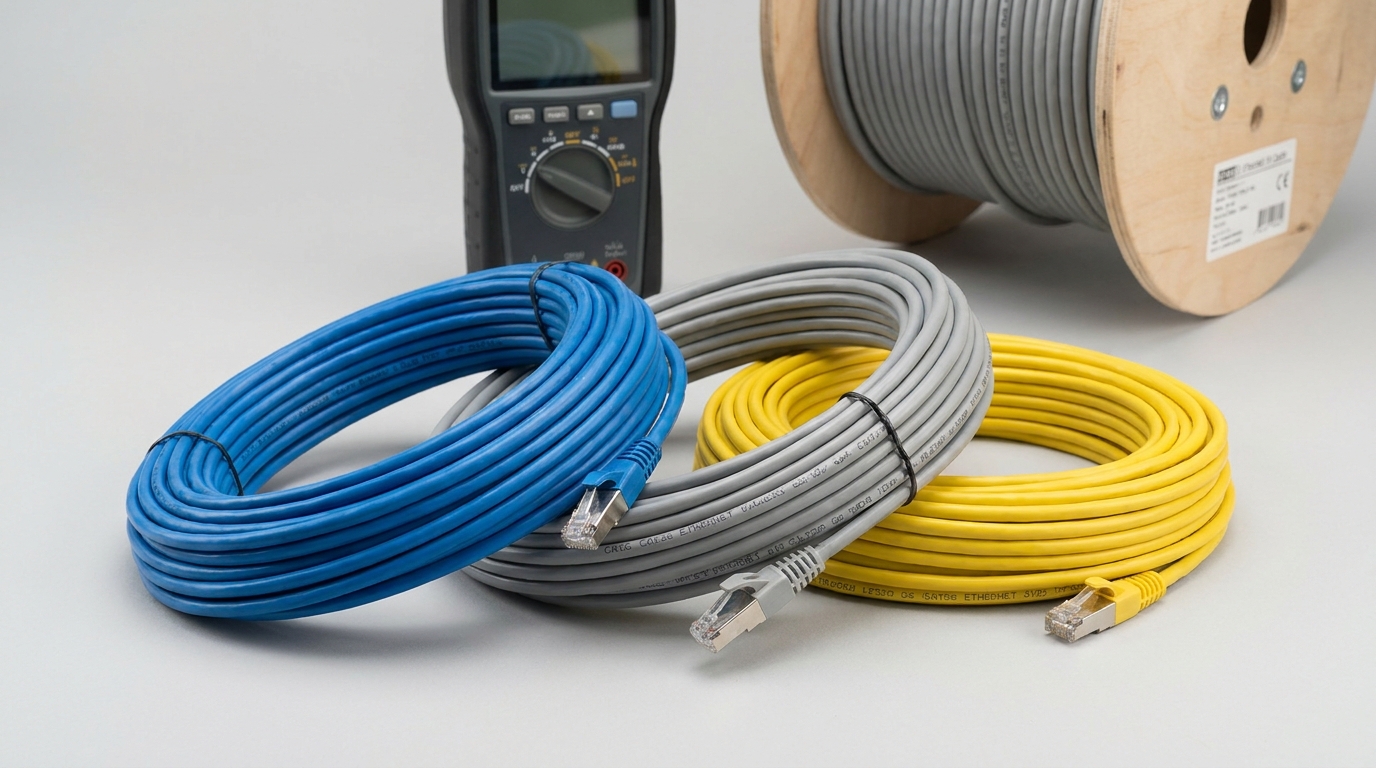
Standard Distance Limits by Cable Type
Ethernet standards are designed around signal strength, timing, and interference control. When a cable exceeds the recommended distance, the network may still connect, but performance can become unstable. Symptoms include slower speeds, intermittent drops, high pérdida de paquetes, or devices negotiating down from gigabit speeds.
Según nuestros datos internos y análisis de mercado, aquí está el desglose:
| Tipo de cable | Soporte de velocidad común | Standard Max Distance | Notas |
|---|---|---|---|
| cat5e | 1Gbps | 100m / 328ft | Common for home and office networks |
| Cat6 | 1Gbps | 100m / 328ft | Better noise control than Cat5e |
| Cat6 | 10Gbps | Up to 55m / 180ft | Depends on installation quality and interference |
| Cat6a | 10Gbps | 100m / 328ft | Recommended for full-distance 10G Ethernet |
| Fiber Optic | 1G to 100G+ | Hundreds of meters to kilometers | Best for long-distance links |
Consejo profesional de cwcables: I recommend treating 100 meters as a hard design limit for copper Ethernet. If your run is close to that distance, avoid cheap patch cords, sharp bends, and poor terminations because small losses can push the link into unstable territory.
How Does Ethernet Cable Length,Ethernet Cable Length Limit,max ethernet cable length,cat6 max distance, ethernet cable too long Work?
Ethernet cable length works by balancing signal strength, resistance, crosstalk, and timing. As cable gets longer, the signal weakens and becomes more vulnerable to interference. Once an Ethernet run exceeds its rated distance, devices may experience packet loss, speed negotiation problems, or complete connection failure.
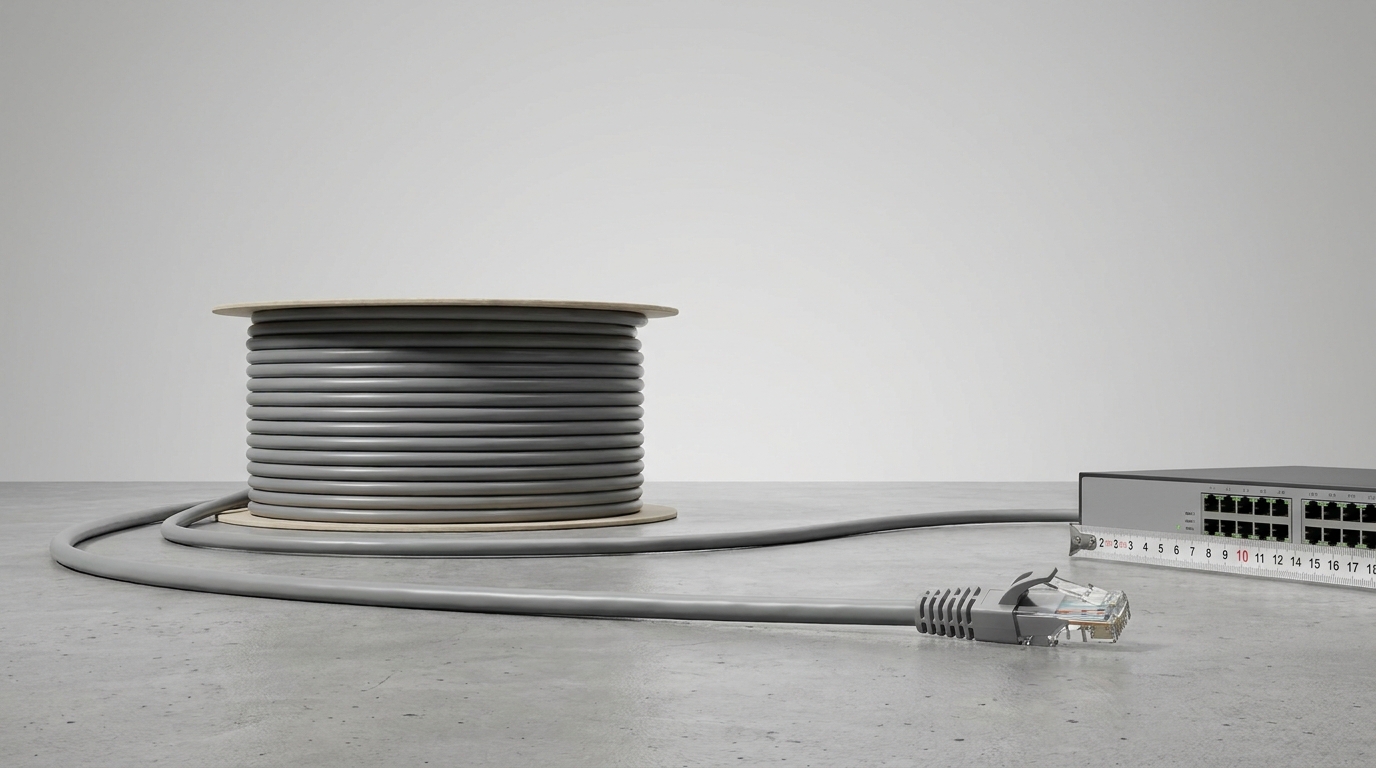
Why Longer Ethernet Runs Lose Reliability
Copper Ethernet uses electrical signals transmitted through twisted pairs. The twist rate, conductor quality, shielding, and termination accuracy all help preserve signal integrity. However, every meter of cable adds attenuation. At long distances, the receiving device may struggle to distinguish valid data from noise.
Key factors that affect the practical Ethernet Cable Length Limit include:
- Attenuation: Signal strength decreases as cable length increases.
- Crosstalk: Electrical interference between wire pairs becomes more disruptive over distance.
- Return loss: Poor connectors or terminations reflect signal energy back into the cable.
- Categoría de cable: Cat6 and Cat6a are engineered for better performance than older cable types.
- Entorno de instalación: Power lines, fluorescent lighting, motors, and high-EMI areas can reduce usable distance.
- Patch panel and patch cord quality: The 100-meter channel includes permanent cable, patch panels, keystone jacks, and patch cords.
Consejo profesional de cwcables: I always calculate the complete channel, not just the cable inside the wall. If you install 95 meters of solid cable and then add long patch cords at both ends, you may accidentally exceed the max ethernet cable length.
What are the benefits of Ethernet Cable Length,Ethernet Cable Length Limit,max ethernet cable length,cat6 max distance, ethernet cable too long?
Knowing the correct Ethernet Cable Length Limit helps prevent unstable connections, unnecessary equipment replacement, and speed loss. It allows installers to choose the right cable category, plan switch locations, and avoid using an ethernet cable too long for the application, especially in business, surveillance, gaming, and data-heavy networks.
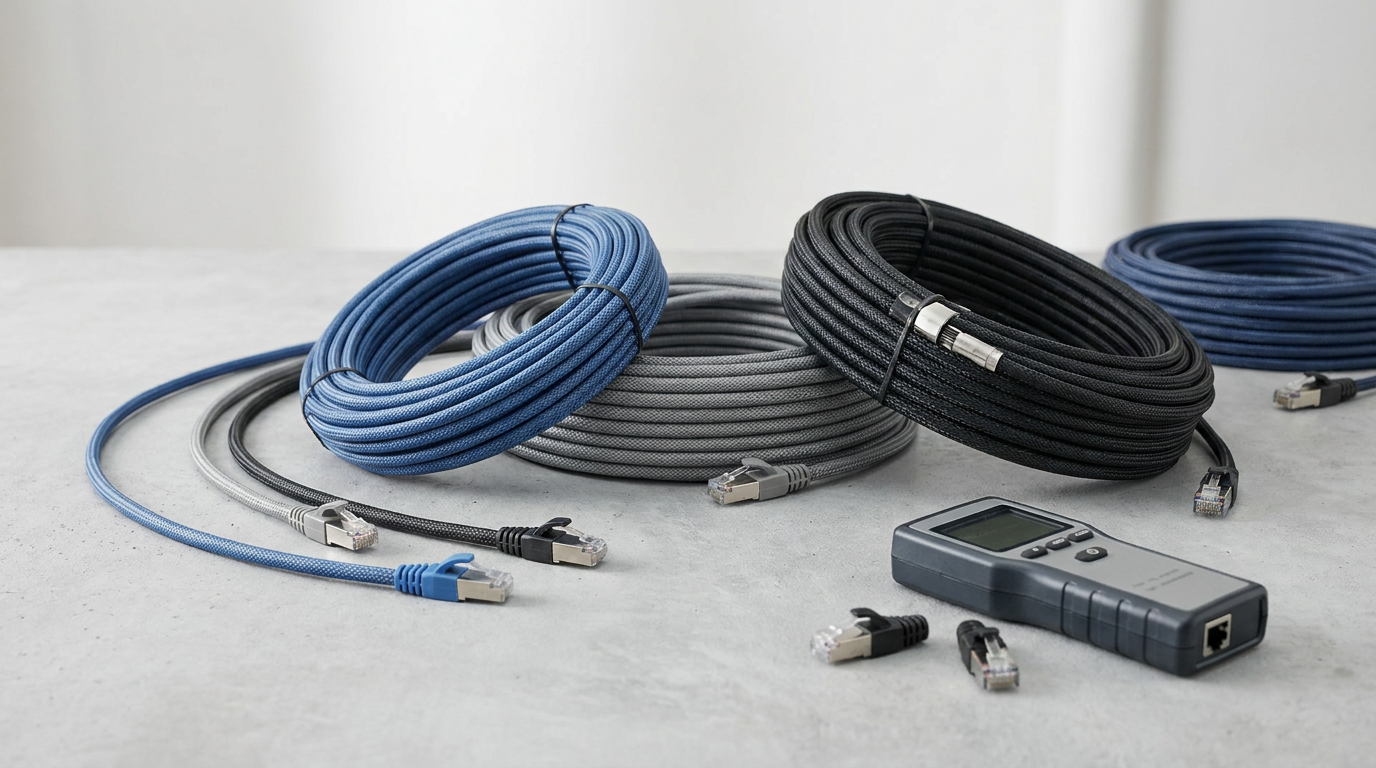
Practical Benefits of Staying Within the Limit
Correct cable length planning improves both performance and long-term reliability. A properly designed Ethernet run can support stable gigabit or multi-gigabit speeds without the random issues often caused by excessive distance or poor installation.
Según nuestros datos internos y análisis de mercado, aquí está el desglose:
| Beneficio | Por qué es importante | Mejores prácticas |
|---|---|---|
| Stable speed | Prevents unwanted speed drops from 1Gbps to 100Mbps | Keep copper channels within 100m |
| Lower packet loss | Reduces retransmissions and network lag | Use certified cable and proper terminations |
| Mejor PoE performance | Reduces voltage drop over long runs | Use quality copper conductors |
| Easier troubleshooting | Keeps problems predictable | Label and document cable runs |
| Preparación futura | Supports upgrades to faster equipment | Use Cat6a for demanding networks |
Consejo profesional de cwcables: I tell customers to plan cable length with future upgrades in mind. If you are wiring a new office or building, Cat6a may cost more upfront, but it gives you cleaner support for 10G networks over the full 100 meters.
How to maintain an Ethernet Cable Length,Ethernet Cable Length Limit,max ethernet cable length,cat6 max distance, ethernet cable too long?
Maintaining Ethernet cable performance means protecting cable quality after installation. Keep runs within the correct distance, avoid sharp bends, inspect connectors, reduce interferencia electromagnética, and test links regularly. Good maintenance prevents a borderline ethernet cable too long installation from becoming unreliable as equipment and network demands increase.
Maintenance Steps for Long Ethernet Runs
Ethernet cables are low-maintenance, but they are not maintenance-free. Physical damage, connector wear, moisture, and repeated cable movement can all reduce link quality. This is especially important for long Cat6 and Cat6a installations where there is less performance margin.
Use this checklist to maintain reliable Ethernet connections:
- Test cable runs after installation with a cable tester or network certifier.
- Check link speed on switches, routers, and connected devices.
- Inspeccionar conectores for loose clips, corrosion, bent pins, or poor crimping.
- Avoid tight bends and do not exceed the cable manufacturer’s bend radius.
- Keep Ethernet away from power cables where possible to reduce interference.
- Replace damaged patch cords instead of trying to reuse questionable cables.
- Document cable lengths so future upgrades do not exceed the channel limit.
- Use cable management to prevent tension, kinks, and accidental unplugging.
Consejo profesional de cwcables: I replace patch cords first when troubleshooting a long Ethernet run. A damaged or low-grade patch cord can make a good permanent link look like a bad installation.
What is the price of Ethernet Cable Length,Ethernet Cable Length Limit,max ethernet cable length,cat6 max distance, ethernet cable too long?
Ethernet cable pricing depends on cable category, length, conductor type, shielding, jacket rating, and whether you buy premade patch cords or bulk cable. A longer run costs more in materials and labor, but exceeding the Ethernet Cable Length Limit usually requires a switch, extender, or fiber solution.
Typical Pricing Considerations
The price of an Ethernet cable is not only about length. A 100-foot Cat6 cable may be inexpensive, while a professionally installed 300-foot in-wall Cat6a run can cost much more because it includes labor, testing, wall plates, patch panels, and cable management.
Según nuestros datos internos y análisis de mercado, aquí está el desglose:
| Artículo | Typical Cost Factor | When to Choose |
|---|---|---|
| cable de conexión cat5e | Lower material cost | Basic 1Gbps home or office links |
| cable de conexión cat6 | Moderate cost | Better performance and common gigabit use |
| Cat6a cable | Mayor costo | 10G networks and long high-performance runs |
| Cable blindado | Higher material and termination cost | Entornos de alta interferencia |
| Bulk cable box | Better value per foot | Custom-length structured cabling |
| Fiber link | Higher equipment cost | Runs beyond copper Ethernet limits |
Consejo profesional de cwcables: I avoid choosing cable by price alone. For long runs, pure copper conductors and verified category ratings matter far more than saving a few dollars on a cable that may not hold stable speed.
Características clave y comparación
The most important Ethernet cable features are category rating, maximum distance, speed support, shielding, conductor quality, and installation rating. Comparing these details helps you choose the right cable for home networks, business wiring, PoE devices, surveillance systems, and long-distance links without exceeding the max ethernet cable length.
Cable Feature Comparison for Distance Planning
Ethernet cable selection should match both today’s speed requirements and tomorrow’s upgrade path. Cat6 is a strong general-purpose option, but Cat6a is better when 10Gbps performance is needed across the full 100-meter channel.
Según nuestros datos internos y análisis de mercado, aquí está el desglose:
| Característica | cat5e | Cat6 | Cat6a | Fiber |
|---|---|---|---|---|
| Standard copper max distance | 100m | 100m | 100m | Not limited to copper rules |
| Soporte de 1 Gbps | Sí | Sí | Sí | Sí |
| Soporte de 10 Gbps | Limited / not typical | Up to 55m | 100m | Sí |
| Resistencia a las interferencias | Básico | Mejor | Excelente | Immune to EMI |
| Soporte PoE | Sí | Sí | Sí | Requires separate power or special design |
| Mejor caso de uso | Budget networks | General structured cabling | High-performance business networks | Long-distance backbone links |
Consejo profesional de cwcables: I usually recommend Cat6 for standard office drops and Cat6a for backbone runs, conference rooms, Wi-Fi 6/6E access points, and anywhere the cable will be difficult to replace later.
Costo y factores de compra
Buying Ethernet cable should be based on distance, bandwidth, environment, and installation type. The cheapest cable may work for a short desktop connection, but longer runs need better materials, correct category ratings, and proper testing. If an ethernet cable too long is required, plan for active equipment or fiber.
How to Choose the Right Cable for Your Budget
A reliable purchase starts with measuring the full channel distance and identifying the required speed. For example, a short connection from a router to a computer may only need a premade Cat6 patch cable, while a long commercial run may require bulk Cat6a, wall-rated jacket, keystone jacks, and professional testing.
Consider these buying factors before ordering:
- Distancia: Stay within 100 meters for copper Ethernet channels.
- Speed target: Use Cat6 for common gigabit networks and Cat6a for full-distance 10Gbps.
- Material conductor: Choose pure copper for better PoE and long-run performance.
- Calificación de la chaqueta: Use riser-rated or plenum-rated cable where building codes require it.
- Blindaje: Choose shielded cable for high-interference areas only when properly grounded.
- Método de instalación: Premade patch cables are convenient; bulk cable is better for structured wiring.
- Expansion needs: Install higher-category cable when future upgrades are likely.
Según nuestros datos internos y análisis de mercado, aquí está el desglose:
| Guión | Elección recomendada | Razón |
|---|---|---|
| Home router to PC | cable de conexión cat6 | Asequible y confiable |
| Office wall cabling | Cat6 or Cat6a bulk cable | Better structured network design |
| PoE camera run | Pure copper Cat6 | Reduce la caída de voltaje |
| 10G workstation | Cat6a | Supports 10Gbps up to 100m |
| Building-to-building link | Fibra optica | Avoids copper distance and grounding issues |
Consejo profesional de cwcables: I always measure first, then add only a small amount of slack. Excessive coiled cable can create messy racks, harder troubleshooting, and unnecessary cost without improving performance.
Conclusión
For most copper Ethernet installations, the practical Ethernet Cable Length Limit is 100 meters, or 328 feet. Cat6 supports 1Gbps to that distance, while cat6 max distance for 10Gbps is typically shorter unless you use Cat6a. For anything beyond copper limits, use a switch, extender, or fiber.
Final Recommendation for Reliable Ethernet Runs
The safest approach is to design Ethernet networks around standards instead of guessing. If the run is under 100 meters, choose the right copper cable category and install it properly. If the run exceeds 100 meters, do not rely on an oversized patch cable; use active networking equipment or fiber.
Recommended path:
- Under 55 meters and high speed needed: Cat6 may be suitable for 10Gbps.
- Up to 100 meters and 1Gbps needed: Cat5e or Cat6 can work well.
- Up to 100 meters and 10Gbps needed: Choose Cat6a.
- Beyond 100 meters: Use a network switch, Ethernet extender, or fiber optic cable.
- For mission-critical networks: Test and certify every installed cable run.
Consejo profesional de cwcables: If you are unsure whether your planned cable is too long, I recommend choosing the next better cable category or moving to fiber. cwcables can help you select the right Ethernet cable length, category, and installation option for a stable network.